How to Know If Someone Is Tracking Your Phone: 10 Warning Signs
 By Inflix
 Phone tracking warning signs can help you identify whether someone is secretly monitoring your Android phone or iPhone. These signs may include unusual battery drain, unknown apps, increased data usage, and unexpected location sharing.
Your phone contains your messages, photos, passwords, location history, and banking information. Therefore, the idea that someone could secretly monitor it is understandably worrying.
However, not every battery problem or unusual notification means that your phone has been hacked. Many common phone issues are caused by ageing batteries, software bugs, or poorly optimised apps.
So, how do you know if someone is tracking your phone?
The strongest warning signs include unexplained battery drain, unusual data use, unknown apps, unexpected location sharing, and repeated microphone or camera activity. One sign alone may not prove anything. Nevertheless, several signs appearing together deserve closer attention.
This guide explains how to know if someone is tracking your phone, how to check both Android and iPhone devices, and what to do if you find something suspicious.
Can Someone Really Track Your Phone?
Yes, a phone can be tracked in several different ways.
For example, someone may see your location if you previously shared it through Google Maps, Apple Find My, WhatsApp, or another app. In other cases, a person with access to your Apple account or Google account may be able to view connected devices and location information.
More seriously, stalkerware or spyware can secretly collect information from a phone. Depending on the software and permissions granted, it may access location data, messages, call information, photos or microphone activity.
The US Federal Trade Commission warns that stalkerware can be used to secretly monitor a person’s phone activity and location. Therefore, suspicious behaviour should not be ignored, especially when someone appears to know private details they should not know. Read the FTC’s official stalkerware guidance.
10 Phone Tracking Warning Signs to Check
1. Your Battery Is Draining Much Faster Than Usual
Tracking apps often run in the background. As a result, they may continue using location services, mobile data, the processor or other phone resources even when the screen is turned off.
Consequently, you may notice that your battery no longer lasts as long as it did before.
Still, battery drain does not automatically mean that someone is tracking you. A recent software update, poor mobile signal, an old battery or a demanding app can cause the same problem.
Therefore, check which apps are using the most power.
On Android, open:
Settings > Battery > Battery usage
On iPhone, open:
Settings > Battery
Look for an unfamiliar app or an app using much more battery than expected.
2. Your Phone Becomes Hot While You Are Not Using It
A phone may become warm while charging, gaming, recording video, or installing an update. However, it should not remain unusually hot while sitting unused.
If your phone regularly heats up in standby mode, an app may be running continuously in the background.
Because tracking software may repeatedly collect and transmit information, it can increase processor, battery and network activity. Therefore, unexplained heat combined with battery drain or high data use could be a warning sign.
First, restart the phone and close unnecessary apps. If the problem continues, review installed applications and background activity.
3. Mobile Data Usage Has Suddenly Increased
Tracking software needs an internet connection to send collected information. Consequently, unusual mobile data usage can sometimes reveal suspicious background activity.
On Android, the exact menu may vary by brand. Usually, you can check:
Settings > Network and Internet > SIMs or Data usage
On Samsung phones, try:
Settings > Connections > Data usage > Mobile data usage
On iPhone, open:
Settings > Mobile Service
Scroll through the list and identify apps consuming unexpected amounts of data.
Remember that cloud backups, video apps, automatic updates, and social media can also increase data use. Therefore, investigate the app before assuming that it is malicious.
4. You Find an App You Do Not Remember Installing
Unknown apps are one of the clearest reasons to investigate your phone.
Some suspicious monitoring apps may use ordinary or misleading names. For example, an app may appear to be a system service, device manager or backup utility.
Open the complete app list rather than checking only the home screen.
On Android:
Settings > Apps > See all apps
On iPhone:
Settings > General > iPhone Storage
Review every app carefully. If you do not recognise one, search for its exact name before removing it. This is important because genuine system apps may also have unfamiliar names.
Additionally, avoid opening or granting further permissions to a suspicious app until you understand what it does.

Quick Warning Sign Table
The following phone tracking warning signs may have innocent causes, but several appearing together should be investigated.
| Warning sign | Possible innocent cause | When to investigate |
|---|---|---|
| Fast battery drain | Old battery or recent update | An unknown app has high background usage |
| Phone overheating | Charging, gaming, or poor signal | Phone heats up while sitting unused |
| High data usage | Streaming or cloud backups | An unfamiliar app sends large amounts of data |
| Unknown apps | Manufacturer system service | The app has sensitive permissions |
| Camera or microphone indicator | Video call or voice assistant | The indicator appears without a clear reason |
| Unexpected location sharing | Previously enabled sharing | An unknown person or app has access |
5. The Camera or Microphone Indicator Appears Unexpectedly
Modern Android phones and iPhones show a privacy indicator when an app accesses the camera or microphone.
On an iPhone, a green indicator normally means that the camera, or the camera and microphone, is active. An orange indicator usually means that the microphone is being used.
Many Android phones also display camera and microphone indicators near the top of the screen.
If an indicator appears while you are not making a call, recording audio, using the camera or speaking to a voice assistant, check which app triggered it.
On iPhone, you can also use App Privacy Report. It shows how frequently apps accessed sensitive information and sensors, including location, camera, microphone, contacts and photos during the previous seven days.
Open:
Settings > Privacy and Security > App Privacy Report
6. Someone Knows Private Details or Your Exact Location
Sometimes, the strongest sign does not appear on the phone itself.
For example, another person may repeatedly know where you have been, who you contacted or what you discussed privately. If they cannot reasonably know those details, review your account access and location-sharing settings.
However, remember that location can be shared through legitimate apps without spyware being installed. You may have previously shared your location through Find My, Google Maps, WhatsApp, or a family account and forgotten about it.
Therefore, review every person and app with access instead of focusing only on hidden software.
7. Location Sharing Is Enabled Without Your Knowledge
On Android, review which apps can access your location by opening:
Settings > Location > App location permissions
Google allows users to see which apps have location access all the time, only while in use or not at all. You can then reduce or remove access for apps that do not need it.
Also check Google Maps:
Google Maps > Profile picture > Location sharing
On iPhone, open:
Settings > Privacy and Security > Location Services
Then review each app individually.
You should also open:
Find My > People
Remove any location-sharing connection that you no longer recognise or trust.
8. Your Phone Behaves Strangely
Suspicious behavior may include the following:
- The screen is switching on without a notification
- Apps opening or closing unexpectedly
- The phone is restarting repeatedly
- Unusual sounds during calls
- Settings are changing without your action
- Unexpected permission requests
Nevertheless, these symptoms can also be caused by software bugs, low storage or hardware problems. Therefore, update the operating system and restart the phone before concluding.
If strange behaviour continues alongside unknown apps, high data use or suspicious account access, take the problem more seriously.
For additional protection, read our guide to the latest Android security update and phone risks.
9. Unknown Devices Are Connected to Your Account
Someone may not need to install an app on your phone if they already have access to your Apple Account, Google Account, email or social media accounts.
Therefore, review signed-in devices.
For a Google Account, open:
Google Account > Security > Your devices > Manage all devices
For an Apple account, open:
Settings > Your name
Scroll down to view devices linked to the account.
Sign out of any device that you do not recognize. Afterwards, change the password and enable two-factor authentication.
Furthermore, do not reuse the same password across email, social media, and cloud accounts. If one account is compromised, reused passwords can expose several others.
10. Security Settings or Permissions Have Changed
A tracking app may require powerful permissions to remain active.
Therefore, look for unexpected access to:
- Location
- Camera
- Microphone
- Contacts
- Accessibility services
- Notification access
- Device administration
- Files and media
On Android, open:
Settings > Security and Privacy > More security settings
The exact menu may vary depending on the phone manufacturer.
Also review:
Settings > Accessibility > Installed apps
An unfamiliar app with accessibility access deserves immediate investigation because this permission can allow extensive control over the device.
On iPhone, check:
Settings > General > VPN and Device Management
Most personal iPhones will not have an unfamiliar management profile installed. If you see one that you do not recognise, research it before removing it, particularly when the phone belongs to an employer or school.
Phone Tracking Warning Signs on Android
First, open the complete app list and look for anything unfamiliar. Next, review battery and mobile data usage to identify apps running heavily in the background.
After that, check location, microphone, camera, accessibility and device administration permissions.
You should also run Google Play Protect:
Google Play Store > Profile picture > Play Protect > Scan
Google says Play Protect checks Android devices for potentially harmful apps and can warn users when it detects a threat.
Finally, install the latest Android security update available for your phone. Security updates can close known vulnerabilities and improve protection against malicious software.
Phone Tracking Warning Signs on iPhone
Start by reviewing location sharing in Find My and Location Services.
Next, check which devices are connected to your Apple account. Remove any device you do not recognise and change your password.
For iPhones running iOS 16 or later, Apple provides Safety Check:
Settings > Privacy and Security > Safety Check
Safety Check allows you to review who has access to your information, examine app access and stop sharing data. It also offers an Emergency Reset option for quickly stopping sharing.
Additionally, enable App Privacy Report to see how often apps access the camera, microphone, location and other sensitive information.
What to Do If You Think Someone Is Tracking Your Phone
Before deleting anything, consider your personal safety.
The FTC warns that removing suspected stalkerware can alert the person who installed it. Therefore, if you believe an abusive partner or another dangerous person is monitoring you, use a different safe device to seek help and plan your next steps.
When it is safe to proceed:
- Take screenshots or record the names of suspicious apps and settings.
- Change important passwords using a trusted device.
- Enable two-factor authentication.
- Remove unknown account sessions and connected devices.
- Revoke unnecessary app permissions.
- Update the phone’s operating system.
- Remove suspicious apps.
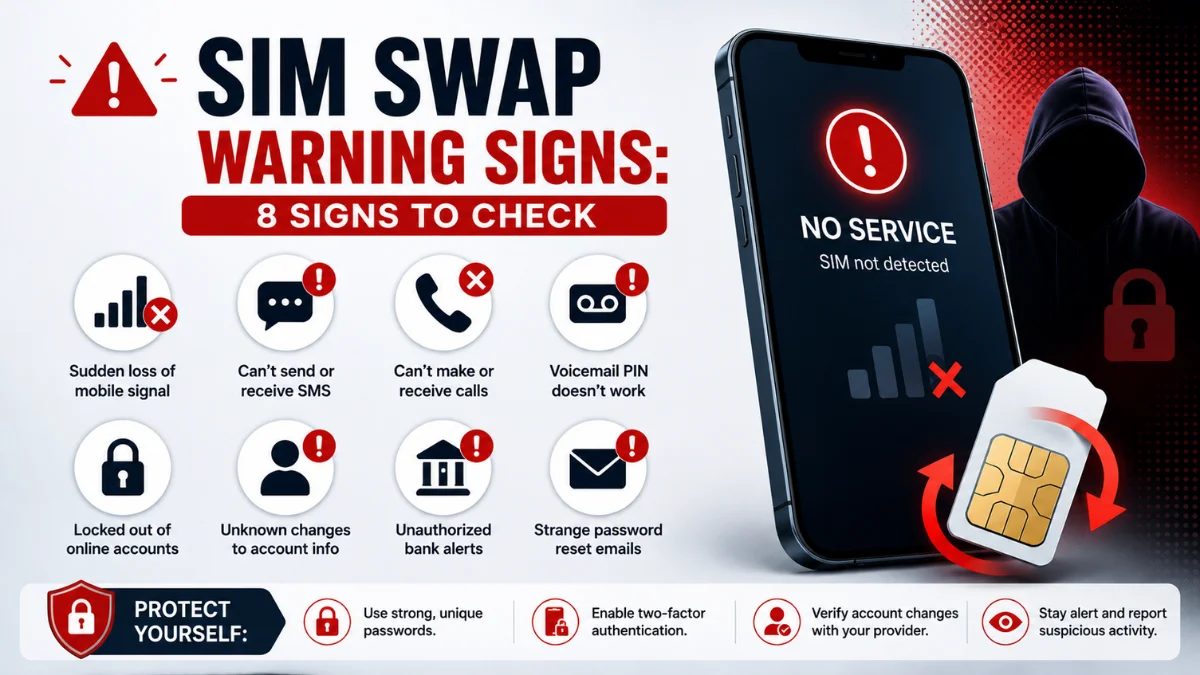
- Contact your mobile network if you suspect SIM-related access.
- Back up essential photos and documents.
- Perform a factory reset if the problem cannot be removed safely.
A factory reset is often the strongest technical step. However, avoid restoring every app automatically afterwards, as the unwanted software could return through the backup.
Instead, reinstall trusted apps manually and create a new screen lock code.
Can Someone Track Your Phone When Location Is Off?
Turning off location services can reduce access to GPS-based location. However, it does not make a phone completely invisible.
A phone may still communicate with mobile networks, Wi-Fi networks, and Bluetooth devices. In addition, account activity, IP addresses, and previously shared information may reveal an approximate location.
Therefore, turning off location is only one part of protecting your privacy. You should also review app permissions, account sessions, shared-location services, and connected devices.
How to Prevent Phone Tracking
Use a strong passcode that other people cannot guess. In addition, do not share your Apple or Google password, even with someone you trust.
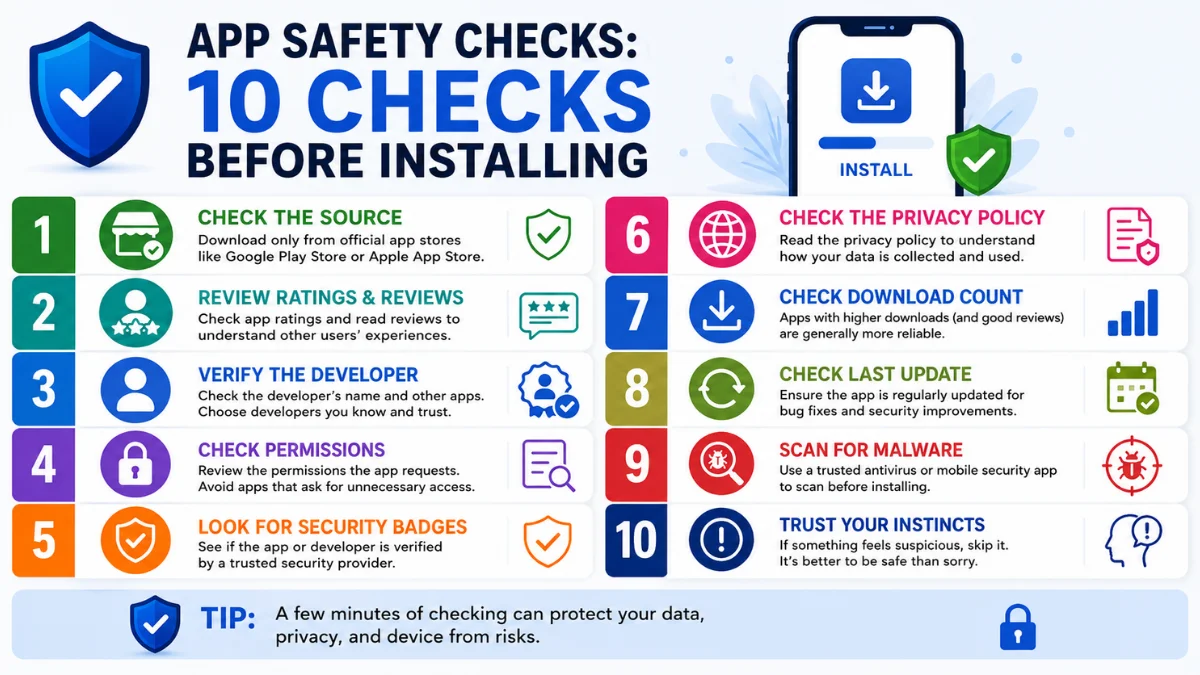
Only install apps from trusted sources, and review permissions before allowing access to your location, camera, microphone or contacts.
Furthermore, keep your phone updated and enable automatic security updates where possible.
You should also review location sharing regularly. A person who needed your location months ago may still have access today.
Finally, enable Find My iPhone or Android’s device-finding service. These tools help you secure a lost or stolen phone. You can learn more in our guide to the UK phone theft kill switch and smartphone security.
You may also want to read about AI text message scams and how to recognise suspicious messages.

<h2>Final Thoughts on Phone Tracking Warning Signs
Phone tracking warning signs should be reviewed together rather than judged by one unusual phone problem. Learning how to know if someone is tracking your phone starts with looking for patterns rather than relying on one symptom.
Battery drain, overheating, or unusual data usage can have innocent causes. However, several warning signs appearing together, such as an unknown app, unexplained location sharing, and unfamiliar account sessions, should be investigated.
Fortunately, both Android and iPhone now include useful privacy controls. By checking app permissions, connected devices, location sharing and account security, you can regain control of your personal information.
Most importantly, if you believe someone dangerous is monitoring your device, prioritise your physical safety. Use another trusted device to seek help before removing apps or changing settings that could alert them.
Frequently Asked Questions
What are the most common phone tracking warning signs?
The most ordinary phone tracking warning signs include rapid battery drain, overheating, unknown apps, unusual data use, unexpected location sharing and unfamiliar account sessions.
How can I tell if someone is tracking my phone?
Check for unknown apps, unexpected location sharing, high background data use, unusual battery drain, unfamiliar connected devices and unexplained camera or microphone activity.
Can someone track my phone without installing an app?
Yes. Someone with access to your Google Account, Apple Account, Find My, Google Maps, or another shared-location service may be able to see information without installing a new app.
Does dialling a code show whether my phone is being tracked?
No universal dialling code can reliably reveal spyware or every form of tracking. Some codes display call-forwarding settings, but they do not perform a complete security scan.
Can someone track my phone when it is switched off?
A fully powered-down phone normally cannot provide continuous live GPS tracking. However, some modern device-finding networks may help locate supported phones for a limited period, depending on their settings and hardware.
Will airplane mode stop someone from tracking my phone?
Airplane mode disables normal mobile, Wi-Fi, and Bluetooth connections, although Wi-Fi and Bluetooth can sometimes be turned back on manually. It may temporarily reduce communication, but it does not remove spyware, revoke account access, or stop previously shared information.
Does battery drain always mean spyware?
No. Battery drain can be caused by an old battery, poor signal, background apps, high screen brightness or a software update. It becomes more concerning when it appears with other warning signs.
Can an iPhone be tracked without the owner knowing?
An iPhone may be tracked through shared location, compromised account access, connected devices or sophisticated malicious software. Safety Check and App Privacy Report can help users review access.
Can a factory reset remove phone tracking software?
A factory reset can remove most ordinary tracking apps. However, important files should be backed up first, and trusted apps should be reinstalled manually rather than restoring everything without review.