Phone Call Scam Signs: 9 Warnings to Check
 By Inflix
 Phone call scam signs can help you identify a fraudulent caller before you share money, passwords or personal information. Scam calls often appear convincing because criminals may pretend to represent your bank, mobile network, delivery company, police or a well-known technology brand.
However, a caller does not become trustworthy simply because they know your name or display a familiar phone number. Scammers can manipulate caller ID information, create urgency and use publicly available details to sound genuine.
Therefore, you should pause whenever an unexpected caller asks you to act immediately. This guide explains nine phone call scam signs, how spoofed calls work and what to do after answering a suspicious call.
How to Recognise Phone Call Scam Signs
You cannot always identify a scam from the caller’s number alone. Some fraudulent calls come from unknown international numbers, while others appear to come from legitimate UK businesses or local numbers.
This happens because criminals can use caller ID spoofing to change the name or number shown on your screen. The Federal Trade Commission explains that scammers can make almost any name or number appear on caller ID. Therefore, a familiar number should never be treated as proof that a call is genuine.
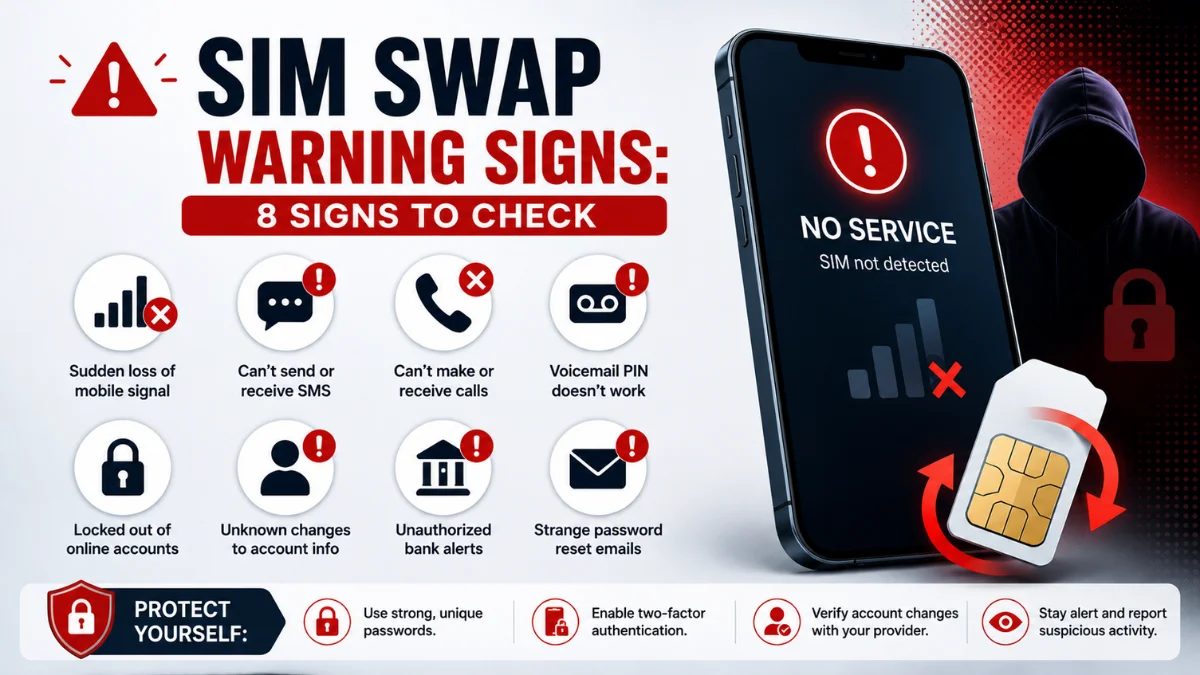
Instead, listen carefully to what the caller wants you to do. Requests for passwords, security codes, remote access or unusual payments are much stronger warning signs.
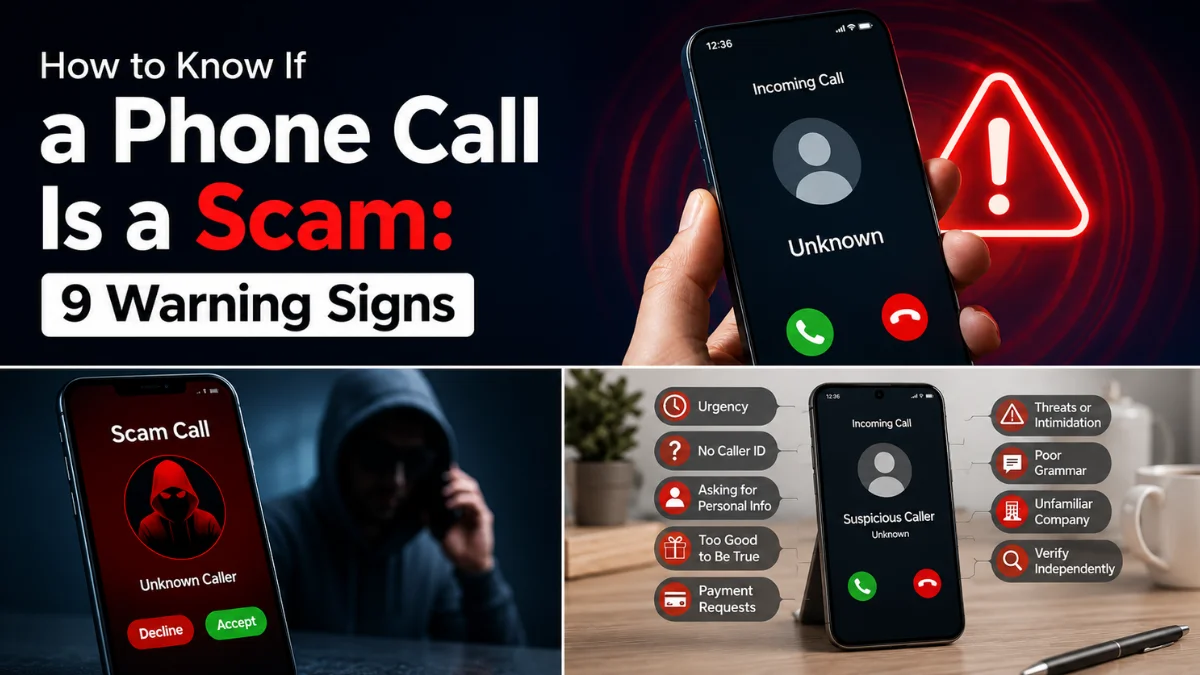
9 Phone Call Scam Signs You Should Never Ignore
1. The Caller Creates Immediate Panic
One of the most common phone call scam signs is an attempt to make you panic.
For example, the caller may claim that your bank account has been compromised, your phone service will be disconnected, you owe an unpaid fine or a family member is in danger.
The caller then pressures you to respond before you have time to think.
Genuine organisations may contact customers about important matters. Nevertheless, they should allow you to end the call and contact them independently through an official number.
The UK National Cyber Security Centre warns that scammers often impersonate trusted organisations and pressure people into acting quickly. Therefore, urgency should make you more cautious rather than more cooperative.
2. They Ask for Passwords or Security Codes
A caller may ask for your password, PIN, card security number or one-time verification code.
Never provide this information during an unexpected call.
A one-time code may be the final step a criminal needs to access your bank, email, Apple Account, Google Account or another online service.
Even when the caller already knows some personal details, do not assume that they are genuine. Those details may have come from leaked databases, social media profiles or an earlier phishing attempt.
End the call and contact the organisation through its official app, website or the number printed on your card.
3. They Demand an Unusual Payment Method
Scammers frequently request payments that are difficult to recover.
They may ask you to pay using gift cards, cryptocurrency, bank transfers, payment apps, prepaid vouchers or cash sent by courier.
They may also ask you to purchase gift cards and read the codes over the phone.
Legitimate banks, government departments and technology companies do not normally demand urgent payments through gift cards or cryptocurrency.
Therefore, an unusual payment request is one of the strongest signs of a phone call scam.

Quick Phone Call Scam Signs Table
| Warning sign | What the caller may say | Safest response |
|---|---|---|
| Extreme urgency | Act now or lose access | End the call and verify independently |
| Security code request | Read the code we sent | Never share the code |
| Spoofed caller ID | The official number is displayed | Do not trust caller ID alone |
| Remote access request | Install this support app | Refuse and disconnect |
| Secret instructions | Do not tell your bank or family | Stop communicating |
| Unusual payment | Pay using gift cards or crypto | Do not send money |
4. The Caller ID Looks Genuine
A call may display your bank’s official name, a local area code or even the number of someone saved in your contacts.
However, caller ID can be spoofed.
Consequently, you should never verify a caller using the information displayed on the incoming call screen.
If someone claims to represent your bank, hang up and call the number printed on the back of your bank card. Alternatively, open the bank’s official app and contact support from there.
Do not call a number provided by the suspicious caller.
5. They Ask You to Install an App
Some scammers pretend to be technical support agents, bank security teams or mobile network representatives.
They may claim that your phone has been hacked and ask you to install a remote support, screen sharing or security application.
Once installed, the app may allow them to view your screen, control your device or watch you enter banking details.
Apple warns that social engineering scammers may impersonate trusted companies and manipulate users into sharing information or providing account access.
Therefore, never install an app during an unsolicited support call. A genuine organisation should not require unexpected remote access to your personal phone.
For more privacy checks, read our guide on how to know if someone is tracking your phone.
6. They Tell You to Keep the Call Secret
A scammer may tell you not to contact your bank, family, employer or police.
For example, they may claim that a secret investigation is taking place, bank employees are involved in fraud or telling someone will cancel a refund.
These instructions are designed to isolate you from someone who may recognise the scam.
A legitimate bank or public authority will not prevent you from getting independent advice. Therefore, requests for secrecy are serious phone call scam signs.
End the conversation and discuss it with someone you trust.
7. The Caller Claims You Have Won Something
Unexpected prize calls often claim that you have won cash, a holiday, a new phone or another valuable reward.
However, the caller may ask you to pay a delivery charge, processing fee or tax before receiving the prize.
A genuine competition should not require an unexpected payment to release winnings. Furthermore, you cannot win a competition that you never entered.
Do not provide bank details or pay a fee. Instead, search for the competition through the organisation’s official website.
8. The Voice Sounds Like Someone You Know
Artificial intelligence can be used to imitate a person’s voice from a short audio sample.
As a result, a caller may sound like your child, partner, friend or manager while asking for urgent money.
The voice alone should not be treated as proof of identity.
If a familiar person calls from an unusual number and asks for money, end the call and contact them through a number you already know.
You can also create a private family safe word for emergencies. This provides an additional check when a caller claims to be a relative in danger.
9. They Become Angry When You Ask Questions
A genuine representative should understand why you want to confirm their identity.
In contrast, a scammer may become aggressive, repeat threats or try to stop you from ending the call.
They may refuse to provide written confirmation or insist that verification is impossible because the matter is urgent.
This reaction is another important warning sign. You do not need the caller’s permission to hang up.
End the call immediately when you feel pressured, threatened or uncomfortable.
Can Phone Call Scam Signs Lead to Hacking?
Simply answering a normal phone call does not usually give a scammer complete access to your device.
However, the conversation may still create risks.
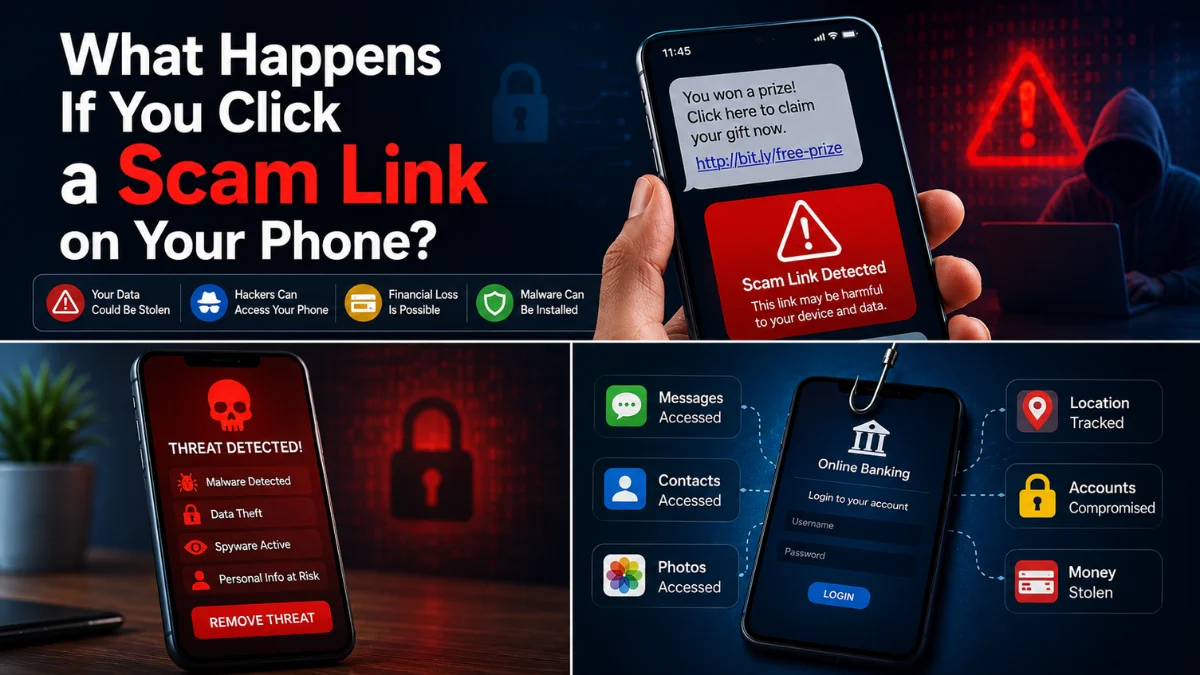
For example, the caller may persuade you to disclose personal information, install an app, visit a malicious website or share a verification code.
Answering may also confirm that your number is active, which could lead to additional calls.
The Federal Trade Commission advises users not to press a number during suspicious automated calls, as doing so may result in more robocalls.
Instead, hang up without following the instructions.
What Happens If You Say Yes to a Scam Caller?
Saying “yes” during a call does not automatically give someone access to your bank account or phone.
Nevertheless, you should remain cautious if you also shared your name, date of birth, address, account information, passwords or security codes.
The bigger risk normally comes from the complete information shared during the conversation rather than one spoken word.
After a suspicious call, monitor your accounts and change any passwords that may have been exposed.
What to Do After Noticing Phone Call Scam Signs
If you answered but shared nothing sensitive, hang up and block the number. You should also watch for related texts, emails or follow-up calls.
If you shared personal or financial information, take action immediately:
- Contact your bank using an official number.
- Freeze or cancel affected cards if advised.
- Change exposed passwords from a trusted device.
- Enable two-factor authentication.
- Contact your mobile network if SIM access may be involved.
- Remove any app installed during the call.
- Check your phone and computer for remote access software.
- Report the call to the appropriate authority.
The NCSC advises contacting your bank immediately when financial information or money may be at risk. Always use contact details from an official website or another trusted source.
If money has already been sent, contact the bank or payment provider quickly and ask whether the payment can be stopped or recovered.
Phone Call Scam Signs on Android
Most Android phones allow individual numbers to be blocked through the Phone app.
Generally, you can:
- Open the Phone app.
- Select Recents.
- Tap the suspicious number.
- Choose Block or Report spam.
Phone by Google also provides caller ID and spam protection on supported devices. You can learn how to turn on caller ID and spam protection in the Phone app.
Some Pixel phones also provide real-time Scam Detection. However, availability depends on the Pixel model, country, language and SIM card. Google explains how Scam Detection works on eligible Pixel devices.
Therefore, do not assume that every Android phone has the same protection options.
Phone Call Scam Signs on iPhone
To block an individual caller on an iPhone:
- Open the Phone app.
- Select Recents.
- Tap the information icon beside the number.
- Choose Block Caller.
You can also open:
Settings > Apps > Phone
Depending on your iOS version, you may find options for identifying, filtering or silencing unknown callers.
However, silencing unknown callers can also hide genuine calls from delivery drivers, healthcare providers or businesses not saved in your contacts.
Apple also advises users to block unwanted calls and independently verify suspicious requests.
Can Scam Detection Stop Every Fraudulent Call?
No call detection feature is perfect.
Scammers regularly change phone numbers, scripts and impersonation techniques. Moreover, a call may come from a newly created number that has not yet been reported.
Therefore, spam labels and scam warnings should be treated as useful protection rather than a complete guarantee.
A call without a warning can still be fraudulent. Similarly, a legitimate business call may occasionally be labelled incorrectly.
The safest approach is to verify unexpected requests independently.
How to Verify Phone Call Scam Signs
Do not use the phone number, website or contact details supplied during the suspicious conversation.
Instead, call the number printed on your bank card, use the official mobile app, type the organisation’s website address yourself or contact the person through a saved number.
Do not rely on the caller knowing private details. Personal information can be obtained from data breaches, social media and previous scams.
Furthermore, do not allow the caller to transfer you to a supposed security department. End the original call completely and start a new conversation through an official channel.
How to Report Phone Call Scam Signs in the UK
UK users can report suspicious calls through the appropriate organisation depending on the incident.
The National Cyber Security Centre provides official guidance for reporting suspicious phone calls.
You should also contact:
- Your bank when money or account information is involved
- Your mobile network for persistent spam calls
- Action Fraud for fraud reporting in England, Wales, and Northern Ireland
- Police Scotland for fraud incidents in Scotland
- The police immediately when there is a direct threat or danger
When reporting a call, keep the displayed number, date, time and a brief record of what the caller requested.
How to Reduce Future Scam Calls
Blocking one number may not stop every call because scammers can change or spoof numbers.
Nevertheless, you can reduce your risk by keeping personal information private, reviewing social media settings and avoiding public posts containing your phone number.
Additionally, use spam protection offered by your phone or mobile network. The FTC explains that call blocking and call labelling can help reduce unwanted calls.
You should also avoid calling unknown missed call numbers, particularly unexpected international numbers.
Finally, learn to recognise related threats such as fake delivery messages and banking texts. Read our guide to AI text message scams for more protection.

Final Thoughts on Phone Call Scam Signs
Phone call scam signs are easier to recognise when you focus on the caller’s behaviour instead of the number shown on your screen.
Unexpected urgency, security code requests, unusual payments, remote access apps and instructions to keep the conversation secret are all serious warnings.
Most importantly, you are always allowed to end a call. A genuine bank, business or government organisation should let you verify the request through an official channel.
Pause, hang up and check independently before sharing information or sending money.
Frequently Asked Questions
What are the most common phone call scam signs?
The most common phone call scam signs include urgent threats, requests for passwords or security codes, unusual payment methods, spoofed caller IDs and pressure to install remote access software.
Can scammers hack my phone by calling me?
Answering an ordinary call does not normally give a scammer full access to your phone. However, they may persuade you to install software, visit a malicious link or share information that compromises your accounts.
Should I answer an unknown phone number?
You may let an unknown number go to voicemail when you are unsure. A genuine caller can usually leave a message.
Can a scammer copy someone’s voice?
Yes. AI tools can imitate a person’s voice using audio samples. Therefore, verify urgent requests by calling the person through a trusted number.
Can caller ID be faked?
Yes. Criminals can spoof caller ID so that a different name or number appears on your screen. Never use caller ID alone to confirm a caller’s identity.
What should I do if I gave a scammer my bank details?
Contact your bank immediately using the number printed on your card or its official app. Follow the bank’s instructions, secure your accounts and report any unauthorised payments.
Should I call a suspicious number back?
Do not call back using a number supplied by the caller. Find the organisation’s official contact details independently and start a new call.
Does blocking a scam number stop future calls?
Blocking stops that particular number from contacting you, but scammers may use other or spoofed numbers. Spam filtering and careful verification are still necessary.