
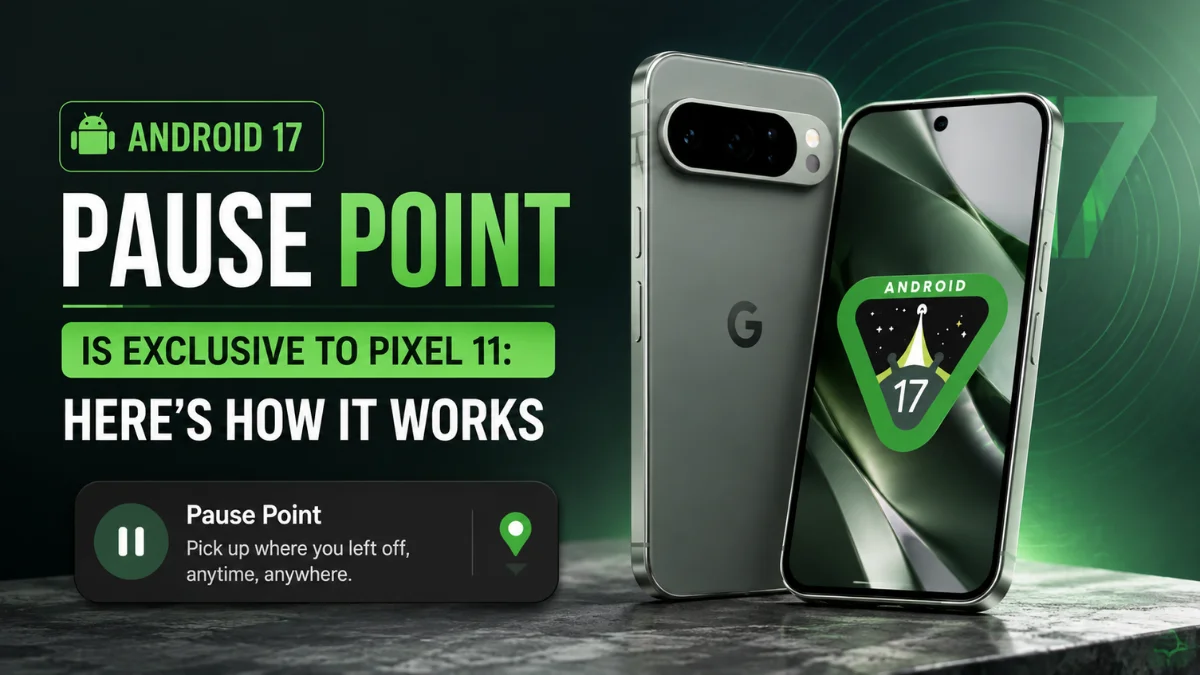
Android 17 Pause Point Is Limited to Pixel 11: How It Works
 By Inflix
 The Android 17 Pause Point feature gives Pixel users a new way to control distracting app habits. Instead of completely blocking an app, Pause Point creates a short 10-second interruption before a selected distracting app opens, giving you time to decide whether you actually want to use it.
There is an important catch, though. Despite being introduced as part of Google’s wider Android 17 Digital Wellbeing improvements, Pause Point is currently associated with the Pixel 11 series rather than every phone running Android 17.
That explains why some users with older Pixel phones may have installed Android 17 but still cannot find Pause Point.
Here is how the feature works, why it could be useful and what older Pixel owners need to know.
What Is Android 17 Pause Point and Why Does It Matter?
Pause Point is a new Digital Wellbeing tool designed to interrupt mindless app opening.
Think about how often you unlock your phone and automatically tap Instagram, TikTok, YouTube or another app without really deciding to use it. Sometimes a quick check turns into 20 or 30 minutes of scrolling.
Pause Point tries to interrupt that habit.
When you mark an app as distracting, Android can place a 10-second pause before you enter it. During those few seconds, the phone encourages you to reconsider what you were about to do.
Importantly, Google is not permanently blocking the app. You can continue if you genuinely want to use it.
That small distinction makes Pause Point different from many traditional screen-time controls.
How Does Android 17 Pause Point Work?
The basic idea is simple.
First, you choose apps that regularly distract you. After Pause Point has been enabled for a supported app, Android intervenes when you try to open it.
Instead of immediately taking you into the app, you get a short waiting period.
During that pause, Android can encourage you to reconsider opening the app and may offer alternatives such as a breathing exercise, setting a timer or switching to another activity.
After the pause, you can continue into the original app.
Therefore, a pause point acts more like a speed bump than a roadblock.
That could make it particularly useful for people who do not want strict app restrictions but still want help controlling impulsive phone use.
Why the Android 17 Pause Point Could Be Useful
Ten seconds does not sound like much.
However, the purpose is not to keep you away from an app for a long period. Instead, it creates friction between the impulse to open an app and actually using it.
For example, imagine opening Instagram simply because you are bored.
Normally, the app appears instantly and you may start scrolling before thinking about it. With Pause Point enabled, that automatic sequence gets interrupted.
You suddenly have a moment to ask yourself:
“Did I actually want to open this?”
If the answer is yes, you can continue.
If the answer is no, those ten seconds may be enough to stop an unnecessary scrolling session.
That is what makes the feature interesting. It focuses on the moment when the habit begins rather than waiting until you have already spent too much time inside an app.
Android 17 Pause Point vs App Timers
Android already includes Digital Wellbeing tools such as App Timers and Focus Mode, so Pause Point may initially sound unnecessary.
However, they solve slightly different problems.
| Feature | Main Purpose | When It Intervenes |
|---|---|---|
| Pause Point | Stops impulsive app opening | Before entering an app |
| App Timer | Limits daily app usage | After reaching a daily limit |
| Focus Mode | Temporarily pauses distracting apps | During selected periods |
| Digital Wellbeing Dashboard | Shows usage habits | After you use your phone |
An App Timer might tell you that you have already spent an hour on social media.
Pause Point asks a different question:
Do you need to open that social media app right now?
As a result, the two features could work well together rather than replacing each other.

Is Android 17 Pause Point Only Available on Pixel 11?
This is where things become slightly confusing.
Current Google support information identifies Pixel 11-series devices for Pause Point availability. Meanwhile, Google’s broader promotional wording has referred to availability on selected Android 17 devices.
For now, the practical takeaway is simple: owning an Android 17 phone does not automatically mean you will have Pause Point.
Pixel 11 users are currently the main group receiving the feature.
Therefore, if you have updated an older Pixel to Android 17 and cannot find Pause Point, your phone may not currently be eligible.
Why Don’t Pixel 10 and Older Pixels Have It?
This question is particularly important because Pause Point does not appear to require obvious Pixel 11-specific hardware.
It is primarily a Digital Wellbeing software feature.
Nevertheless, Google sometimes introduces new software capabilities on its latest Pixel generation before expanding them more widely.
At the moment, Google has not provided a confirmed rollout schedule for Pause Point on older Pixel phones.
Therefore, Pixel 10, Pixel 9 and other supported Pixel owners should not assume that something is wrong with their Android 17 installation simply because Pause Point is missing.
The feature’s availability and the Android version are two separate things.
Could Android 17 Pause Point Reach Older Pixel Phones?
Possibly, but there is no confirmed timeline.
Google’s wording leaves room for wider availability, particularly because Pause Point was originally discussed as part of broader Android and Digital Wellbeing improvements.
However, that does not guarantee that every Android 17 device will receive it.
Google could expand the feature through a future Pixel Drop, Digital Wellbeing update or another Android update. Alternatively, availability could remain limited to selected devices for some time.
Until Google announces a wider rollout, older Pixel owners should treat any specific release date as speculation.
How to Check for Pause Point
If you own a Pixel 11-series phone, make sure your system software and Digital Wellbeing components are fully updated.
You can also check the options associated with apps you consider distracting and review the latest Digital Wellbeing settings available on your device.
Remember that feature availability can depend on device model, software version and rollout status.
Therefore, two phones running Android 17 do not necessarily have the same feature set.
Pause Point Is More Than Another Screen-Time Counter
One reason Pause Point stands out is that it targets intentional phone use rather than simply counting minutes.
Traditional screen-time tools are useful, but they often tell you about the problem after it has already happened.
For instance, seeing that you spent three hours on social media yesterday can be informative. However, that information does not necessarily stop you from opening the same apps today.
Pause Point moves the intervention to an earlier stage.
Instead of asking how much time you spent inside an app, it encourages you to think before entering it.
For people struggling with habitual app checking or endless scrolling, that could make the feature more practical than another usage graph.
Is Pause Point Worth Using?
For the right person, yes.
You probably do not need Pause Point on messaging, banking, navigation or other apps you intentionally open throughout the day.
However, it could make sense for apps you regularly open out of habit.
Social media platforms, short-video apps, entertainment services and even certain shopping apps are obvious examples.
The key is to use Pause Point selectively.
Adding the delay to too many apps could quickly become annoying. Instead, choosing two or three applications that consume unnecessary time may make the feature much more useful.
What This Means for Android 17 Users
Pause Point also highlights something Android users should remember about major OS updates.
Receiving Android 17 does not guarantee every Android 17 feature.
Some capabilities can depend on the phone manufacturer, hardware, Google Play system updates, app versions or staged feature rollouts.
In this case, an older Pixel may run Android 17 perfectly while still missing Pause Point.
That distinction is especially useful for Pixel owners who updated their phones and then wondered why the feature was nowhere to be found.
Android 17 includes much more than Digital Wellbeing improvements. If you are exploring Google’s latest software, check out our guide to Android 17 hidden features you probably missed and our coverage of the Android 17 stable update and eligible phones. Pixel users can also read our Google Pixel 11 vs Pixel 10 comparison to see what has changed between Google’s latest generations.

Final Thoughts
Android 17 Pause Point is a simple idea, but it could become one of Google’s more practical Digital Wellbeing features.
Rather than imposing a strict daily limit, it targets the exact moment when you instinctively open a distracting app. A 10-second interruption may be enough to make you reconsider whether another scrolling session is really necessary.
The disappointing part is availability.
For now, Pixel 11-series owners are the main users with access, while older Pixel devices running Android 17 may not show the feature. Google has not confirmed when or whether every older supported Pixel will receive it.
If Pause Point eventually expands beyond the Pixel 11 family, it could become a genuinely useful Android-wide tool for anyone trying to spend less time mindlessly scrolling.
Frequently Asked Questions
What is Android 17 Pause Point?
Android 17 Pause Point is a Digital Wellbeing feature that adds a short pause before opening apps you have identified as distracting. It aims to reduce impulsive app use and mindless scrolling.
How long does Pause Point make you wait?
Pause Point uses a 10-second interruption before the selected distracting app opens, giving you a moment to reconsider using it.
Is Pause Point available on Pixel 10?
Current availability information points to the Pixel 11 series, so Pixel 10 owners running Android 17 may not see Pause Point on their devices.
Do all Android 17 phones get Pause Point?
No. Installing Android 17 does not automatically provide Pause Point. Feature availability currently depends on the supported device and rollout.
Will Google bring Pause Point to older Pixel phones?
Google has not confirmed a rollout date for older Pixel devices. Wider availability remains possible, but users should wait for an official announcement rather than relying on an estimated release date.
Is Pause Point the same as an app timer?
No. App Timers restrict usage after you reach a daily limit, while Pause Point intervenes before you enter a distracting app. The two tools are designed to address different types of smartphone habits.



2 thoughts on “Android 17 Pause Point Is Limited to Pixel 11: How It Works”