Google Adds ‘Ask Gemini’ Shortcut to Android: Here’s How It Works
 By Inflix
 Using Gemini on Android is getting quicker, as Google removes several steps between selecting text and asking its AI assistant about it.
The Ask Gemini Android shortcut is beginning to appear directly inside Android’s text-selection menu. Instead of copying text, opening Gemini and pasting it manually, users can highlight text and send it straight to Gemini with a single option.
The change may look small, but it makes Gemini considerably easier to access while browsing websites, reading messages or working inside other Android apps.
What Is the New Ask Gemini Android Shortcut?
Google is adding a dedicated Ask Gemini option to Android’s system-level text-selection menu.
Normally, when you highlight text on an Android phone, a small menu appears with actions such as Copy, Share and Select All. With the new integration, Ask Gemini can appear alongside these familiar options.
Tap it and the Gemini app opens automatically with your selected text already placed in the prompt field.
You then only need to add a question if necessary and send the prompt.
How Does Ask Gemini Work on Android?
The process is straightforward:
- Highlight some text inside a supported Android app.
- Look for Ask Gemini in the text-selection menu.
- Tap the shortcut.
- Gemini opens with the selected text automatically added.
- Add your question or instruction and send it.
On some phones, Ask Gemini may not immediately appear among the first text-selection options. Instead, users may need to open the three-dot menu to find it.
Ask Gemini vs the Previous Method
Android users could already send highlighted text to Gemini through Android’s Share menu. However, the dedicated shortcut removes an additional step.
| Action | Previous Method | Ask Gemini Shortcut |
|---|---|---|
| Select text | Yes | Yes |
| Open Share menu | Usually | No |
| Find Gemini | Yes | No |
| Text automatically transferred | Yes | Yes |
| Direct Gemini option | No | Yes |
Therefore, this isn’t an entirely new Gemini capability. Instead, Google is making an existing workflow much faster.
Ask Gemini Android Shortcut Works Beyond Google Apps
One of the most useful aspects of the update is that it isn’t limited to Chrome or other Google applications.
Testing reported by Android Authority found the shortcut appearing across several apps, including Google Chrome, Mozilla Firefox, WhatsApp and Slack.
That broader compatibility could make the feature considerably more useful.
For example, you might highlight a complicated paragraph on a website and ask Gemini to explain it. Similarly, selected text from another supported app could be sent to Gemini for summarising, rewriting or additional context.
However, behaviour may vary depending on the app and device.
What Can You Do With the Ask Gemini Shortcut?
The feature becomes more interesting when you consider everyday situations.
Summarise Long Text
You could highlight part of a long article and ask Gemini to provide a shorter explanation.
This can be particularly helpful when you only want information about one section rather than an entire webpage.
Explain Difficult Information
If you encounter a complicated term or paragraph, select it and send it directly to Gemini.
For example, users could ask:
“Explain this in simple terms.”
That saves the trouble of copying the information into a separate conversation manually.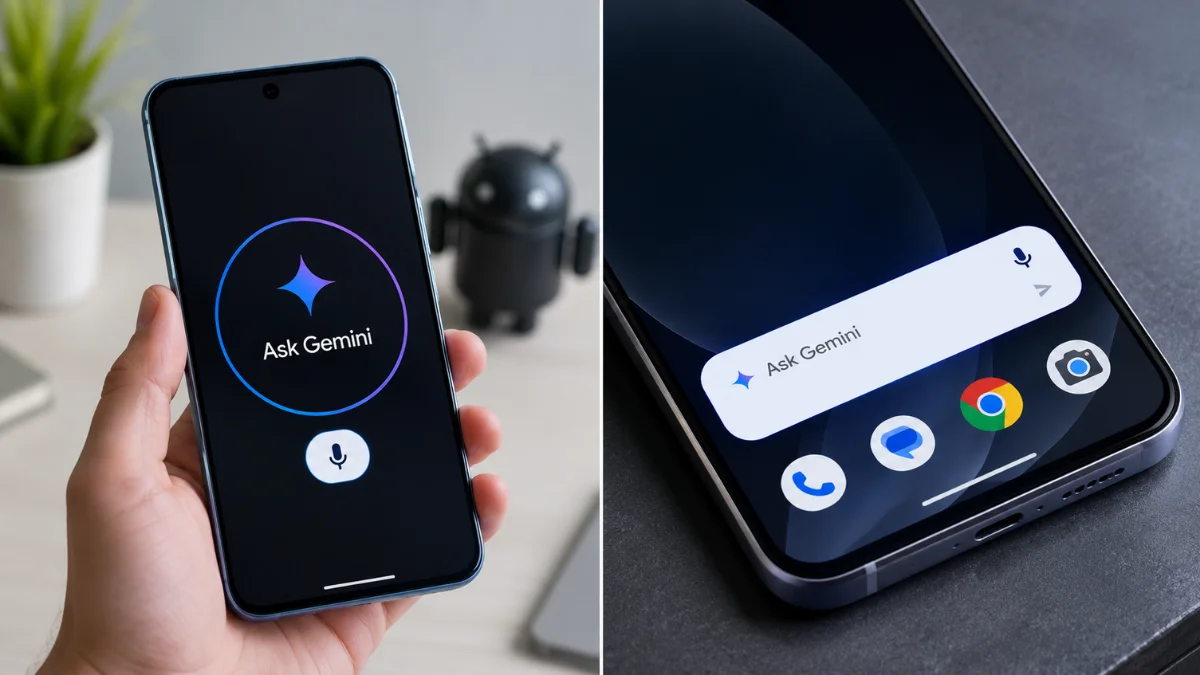
Rewrite Selected Text
Gemini can also help restructure text.
After selecting a paragraph, users could ask the AI assistant to make it shorter, clearer or more professional.
Ask Follow-Up Questions
Because the selected content is transferred into Gemini, you can continue the conversation after receiving the first answer.
As a result, the shortcut acts as a quick bridge between whatever you’re reading and Google’s AI assistant.
Why This Small Android Update Matters
Google has been gradually integrating Gemini deeper into Android rather than treating it solely as a standalone chatbot.
Android users can already access Gemini through several methods, including supported power-button gestures and Gemini’s Android interface. Google has also expanded Gemini functionality across products such as Chrome and Drive.
The new shortcut follows the same strategy.
Instead of requiring users to deliberately open an AI application, Google is putting Gemini closer to the point where assistance may actually be useful.
That distinction matters.
An AI assistant becomes considerably more convenient when it can work with information already visible on your phone.
Is the Ask Gemini Shortcut Available to Everyone?
Not necessarily yet.
Android Authority spotted the shortcut across multiple Google app versions, including 17.51.18 and 17.51.19. The publication also reports that the feature appears to be arriving through a server-side rollout.
This means two Android users running similar app versions may not necessarily receive the feature at exactly the same time.
If you cannot see Ask Gemini yet, it does not automatically mean something is wrong with your phone.
Google may simply not have enabled it for your device or account yet.
How to Check for Ask Gemini on Your Phone
Checking is easy.
Open an app where text can normally be selected, such as Chrome. Then:
- Press and hold a word.
- Expand the selection to cover more text.
- Check the available actions.
- If Ask Gemini isn’t visible, tap the three-dot menu.
If Google has enabled the feature for your device, Ask Gemini should appear as one of the available actions.
Keeping the Google app updated is sensible, although a server-side rollout means installing the latest version may not immediately activate the feature.
Do You Need a Pixel Phone?
Current evidence suggests this isn’t simply a Pixel-exclusive feature.
The integration comes through Google’s Android software ecosystem and has been observed working across third-party applications.
Nevertheless, availability can still vary by device, account, region and software configuration while a feature is rolling out.
Therefore, don’t assume every Android phone will show the shortcut immediately.
Is Ask Gemini Replacing Copy and Paste?
No.
Android’s normal text-selection tools remain useful, and the new shortcut simply provides another action.
You can still copy text, share it with another application or use the other options provided by Android.
Ask Gemini is designed for situations where you specifically want Google’s AI to analyse or work with the selected information.
Google Is Making Gemini Part of Everyday Android
The bigger story isn’t necessarily the shortcut itself.
Google is steadily reducing the distance between Android users and Gemini.
For instance, Gemini has already become more closely integrated with Chrome, while Google’s Pixel 11 series introduced an interactive onboarding companion that closely resembles previously discovered Gemini-powered setup functionality.
Meanwhile, Google continues experimenting with additional Gemini integrations, including tools designed to work with images and accessibility features.
Together, these developments show how Gemini is moving from a separate AI destination towards a feature embedded throughout Google’s mobile ecosystem.
Could the Shortcut Become Even More Useful?
Potentially.
The current implementation mainly makes selected text easier to transfer into Gemini. However, deeper contextual integration could eventually allow Android AI features to understand more of what users are doing without requiring as many manual steps.
Google has already been exploring Gemini experiences involving screens, images, browsers and other forms of contextual information.
Therefore, the Ask Gemini shortcut may be another step towards an Android experience where AI assistance is available directly within everyday workflows.
For now, however, users should judge the feature based on what it currently does rather than what future versions might offer.
Ask Gemini Android Shortcut: Key Details
| Feature | Details |
|---|---|
| Feature name | Ask Gemini |
| Platform | Android |
| Location | Text-selection menu |
| Main purpose | Send selected text directly to Gemini |
| Manual copy and paste required | No |
| Third-party app support | Observed in multiple apps |
| Rollout | Appears to be server-side |
| Available to everyone | Not necessarily yet |

Final Verdict
The Ask Gemini Android shortcut isn’t Google’s biggest AI update, but it could become one of the more practical Gemini additions for everyday Android users.
Highlighting text and immediately sending it to Gemini makes summarising, explaining and analysing information quicker than the previous Share-menu workflow.
More importantly, the change shows where Google is taking Gemini. Instead of expecting users to open an AI chatbot every time they need help, Google is increasingly placing its AI features directly inside familiar Android workflows.
If the shortcut isn’t showing on your phone yet, there may be no need to worry. The current evidence suggests that availability is still rolling out.
Internal Linking Paragraph
Google’s latest Gemini integration is part of a much wider change happening across Android. Mobile Verse readers can also explore our Android 17 hidden features you probably missed for more useful additions inside Google’s latest mobile software. If you’re considering new Google hardware, our Google Pixel 11 launch guide covers the latest Pixel generation, while our broader Android coverage explains how Google’s newest software features are changing the experience across compatible smartphones.
Frequently Asked Questions
What is Ask Gemini on Android?
Ask Gemini is a new shortcut appearing in Android’s text-selection menu. It lets users send highlighted text directly to Google’s Gemini app.
How do I use the Ask Gemini Android shortcut?
Highlight text inside a supported application and select Ask Gemini from the menu. If it isn’t immediately visible, check the three-dot overflow menu.
Does Ask Gemini work in Chrome?
Yes. The shortcut has been observed working in Chrome. Testing has also found it in third-party apps including Firefox, WhatsApp and Slack.
Why can’t I see Ask Gemini on my Android phone?
The feature appears to be rolling out server-side. Therefore, it may not become available on every eligible device at the same time.
Does Ask Gemini automatically send selected text?
The selected text is automatically placed into Gemini after you tap the shortcut, but the reported implementation still requires you to send the prompt.