
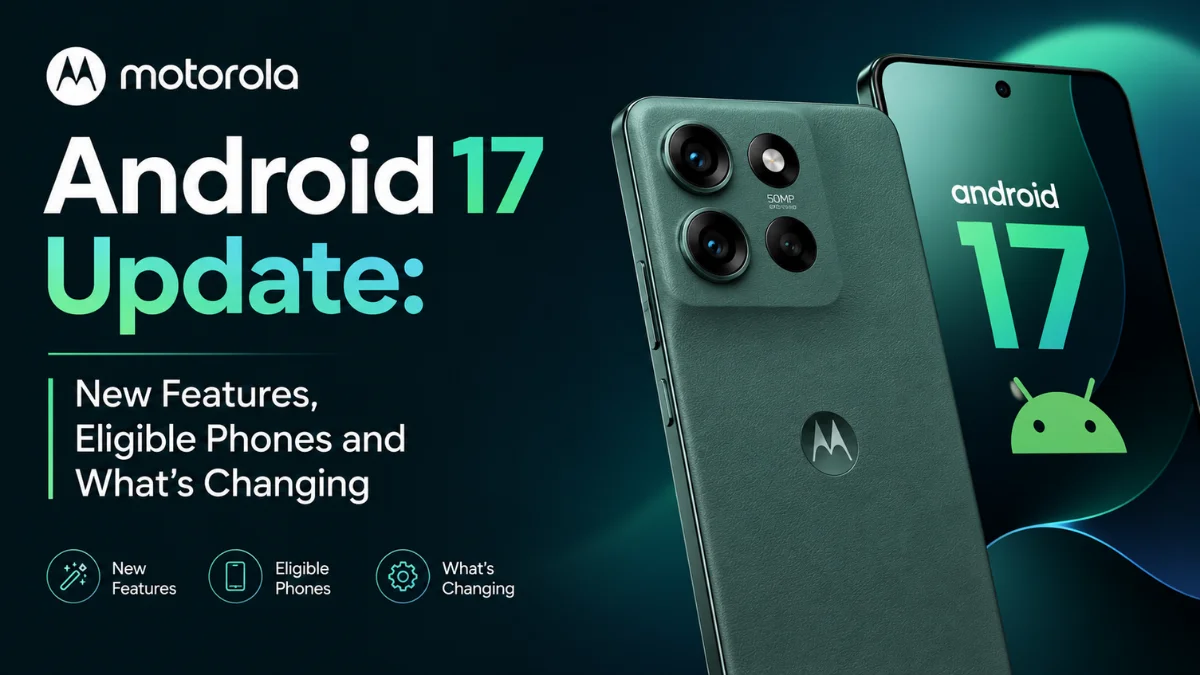
Motorola Android 17 Update: New Features, Eligible Phones and What’s Changing
 By Inflix
 Motorola Android 17 is more than a routine software update, bringing useful improvements to sharing, security, widgets, notifications and everyday navigation.
The Motorola Android 17 update is now moving forward, with Motorola revealing the major features included in its stable software. Users can expect redesigned Quick Settings, smarter widgets, improved file sharing, stronger scam protection and several AI-powered additions.
However, there is one complication. Motorola’s current eligibility information contains several surprising omissions, so owners of some recent Edge, Razr and Moto G phones may still be wondering whether their device will receive Android 17.
Here is what Motorola users need to know.
Motorola Android 17 Update: What’s New?
Motorola’s Android 17 changelog covers considerably more than visual changes.
The update focuses on four major areas:
- Interface and usability
- Connectivity and sharing
- AI-powered features
- Privacy and security
Motorola is also introducing improvements designed to make everyday tasks quicker rather than simply changing how Android looks.
Redesigned Quick Settings Make Android Feel Fresher
One of the first changes users should notice is the redesigned Quick Settings panel.
Motorola has refreshed system menus with larger touch targets and simpler navigation. That should make frequently used controls easier to access.
It’s a relatively small change, but Quick Settings is something many Android users open dozens of times every day.
Therefore, a cleaner layout could have a bigger impact on the experience than some headline features.
Motorola Android 17 Brings Better Widgets
Widgets are also receiving attention.
Interactive widgets now support improved scrolling behaviour, allowing more information to fit into smaller areas without requiring huge widgets across the home screen.
Earlier Android 17 testing on Motorola devices also revealed broader interface experiments, including new lock-screen clocks, updated volume controls, stronger haptic feedback and themed icons.
Not every beta feature is guaranteed to appear identically on every device, though.
Quick Share Is Becoming Much More Useful
File sharing could be one of the most practical improvements.
Motorola’s Android 17 implementation expands Quick Share beyond traditional Android-to-Android transfers.
Users can generate Quick Share QR codes that allow people on other platforms to download shared content through a web interface. That makes sending a photo or document to someone outside the Android ecosystem considerably easier.
Instead of asking:
“Do you have Quick Share?”
you may simply be able to show them a QR code.
That’s the kind of small feature that could genuinely save time.
Tap to Share and Quick Drop Are Coming Too
Motorola’s own support documentation also describes two additional sharing options.
Tap to Share is designed for sending a photo or file directly to another person by bringing compatible phones together.
Meanwhile, Quick Drop is aimed at reusable groups, allowing users to share photos and files with several people more conveniently.
Together, these features suggest Motorola wants Android 17 to make device-to-device sharing much less complicated.
Instant Hotspot Should Simplify Tethering
Another useful addition is Instant Hotspot.
The feature aims to reduce the steps required when connecting another compatible device to your phone’s mobile internet connection.
Motorola is also adding Nearby Audio Streams, which can broadcast audio to nearby compatible receivers.
These aren’t necessarily features that sell a smartphone on their own. However, they could make Motorola devices more convenient in everyday situations.
Motorola Android 17 Adds Built-In Device Diagnostics
One feature that could prove particularly valuable over the long term is the new device diagnostics hub.
Users will be able to evaluate individual hardware components and review device information locally.
That could be useful when something starts behaving strangely.
For example, instead of immediately assuming that a battery, sensor or another component has failed, users may have more information available before arranging a repair.
It could also become helpful when checking the condition of an older Motorola phone.
Circle to Search Gets Smarter
Google’s Circle to Search continues to evolve, and Motorola’s Android 17 update brings additional functionality.
The feature can provide real-time on-screen language translation as part of the visual search experience.
That could be particularly useful while:
- Browsing foreign-language websites
- Reading menus while travelling
- Viewing social media posts
- Looking at screenshots
- Reading text inside images
Instead of switching between applications, users can access translation more directly from what’s already on the screen.
Scam Protection Could Be One of the Most Important Features
Not every Android 17 improvement is about convenience.
Motorola is adding automated scam detection designed to identify suspicious SMS, MMS and RCS messages and warn users about potential phishing attempts.
That could become increasingly valuable as scam messages become more convincing.
Android 17 also introduces stronger authentication protections, including a Failed Authentication Lock, strengthened PIN-related security and restrictions around sensitive notifications appearing on the lock screen.
For many users, these invisible security changes could ultimately matter more than the visual redesign.
Smarter Notifications Are Coming
Notifications can quickly become overwhelming on a busy phone.
Motorola’s Android 17 software includes expanded notification grouping and summarisation features designed to make alerts easier to manage.
The system can also provide contextual sharing suggestions for newly captured media.
The goal is simple: show users useful information without forcing them to sort manually through every alert.
Key Motorola Android 17 Features at a Glance
| Feature | What changes |
|---|---|
| Quick Settings | Redesigned layout and larger controls |
| Widgets | Improved interactive scrolling |
| Quick Share | Easier cross-platform transfers |
| Tap to Share | Direct nearby file sharing |
| Quick Drop | Sharing with reusable groups |
| Instant Hotspot | Easier internet tethering |
| Device diagnostics | Built-in hardware health tools |
| Circle to Search | Real-time on-screen translation |
| Scam protection | Warnings for suspicious messages |
| Security | Stronger authentication and lock-screen privacy |
| Notifications | Better grouping and summarisation |
The combination makes Android 17 feel more like a usability and security upgrade than a simple visual refresh.

Which Motorola Phones Are Getting Android 17?
This is where things become complicated.
Motorola’s eligibility information covers a large number of Razr, Edge and Moto G devices, but the current list has several inconsistencies.
Devices appearing on the reported official list include models from these families:
Motorola Razr
The list includes newer devices such as the Razr 70 Ultra, Razr 70 Plus, Razr 70, several 2025 and 2026 Razr models, and selected Razr 60/50-series devices.
Motorola Edge
Numerous Edge devices are listed, including the Edge 2026, Edge 70-series models, Edge 60 Pro, Edge 60 Fusion, Edge 60 Stylus and Edge 50 Ultra.
Moto G
The list also covers a broad selection of Moto G devices, including several Moto G 2025 and 2026 models, along with newer G-series phones.
Motorola’s support pages separately confirm Android 17 as the next OS for devices such as the Motorola Signature, Moto G 2026 and Edge 70 Pro+.
However, owners should check Motorola’s regional support page for their exact model because availability varies by device and market.
Some Surprisingly Recent Motorola Phones Are Missing
This is the controversial part.
Several relatively recent phones don’t currently appear on Motorola’s Android 17 eligibility roster despite having software-update commitments that would appear to cover another major Android release.
Reported omissions include:
- Motorola Edge 50
- Motorola Edge 50 Pro
- Motorola Edge 50 Neo
- Motorola Edge 50 Fusion
- Motorola Edge 60 Neo
- Motorola Razr 2024
- Moto G56 5G
- Moto G75 5G
There are other oddities too.
For example, the Edge 60 reportedly appears twice, while some listed Edge 70 devices had not even launched when the list surfaced.
Therefore, users should not automatically interpret an omitted phone as permanently excluded.
The list may still require clarification or correction.
When Will Your Motorola Phone Receive Android 17?
There isn’t one universal release date.
Motorola explains that Android upgrades must pass through testing across different devices, regions, carriers and distribution channels. Consequently, two owners of the same general phone family may receive an update at different times.
The stable rollout has begun with Motorola’s higher-end devices, while broader availability should expand progressively.
If Android 17 isn’t showing on your phone yet, that doesn’t necessarily mean your device has been excluded.
How to Check for the Motorola Android 17 Update
You can manually check from your phone.
Go to:
Settings → System → System updates → Check for updates
If Android 17 is available for your device and region, follow the on-screen installation instructions.
Motorola recommends using Wi-Fi when downloading major software updates to avoid unnecessary mobile-data usage.
It’s also sensible to back up important files before installing a major Android version.
Can You Downgrade After Installing Android 17?
This is worth knowing before updating.
Motorola states that users cannot downgrade to a previous software version after installing an update.
Therefore, anyone particularly concerned about app compatibility or early software bugs may prefer to wait for feedback from other owners of the same model before installing immediately.
Most users, however, should eventually update because newer Android versions include security, compatibility and stability improvements.
Is Motorola Android 17 Worth Installing?
For most eligible users, yes.
The Motorola Android 17 update contains enough practical improvements to make it worthwhile.
The redesigned interface may be what users notice first, but features such as scam detection, stronger authentication security, cross-platform sharing and device diagnostics could provide more meaningful long-term benefits.
There is also another reason to update: compatibility.
Newer applications increasingly target recent Android versions. Keeping your phone updated helps maintain compatibility while also delivering newer security protections.
Motorola Still Needs to Clarify Its Update List
Android 17 itself looks promising.
Motorola’s communication around eligible devices is less convincing.
When relatively recent smartphones disappear from an update list despite previously announced support commitments, owners understandably want answers.
The duplicate and apparently premature device entries make the situation even more confusing.
Motorola should clarify those inconsistencies before users conclude that their devices have unexpectedly reached the end of major OS support.
Until then, checking the support page for your exact model and region remains the safest approach.
Final Verdict
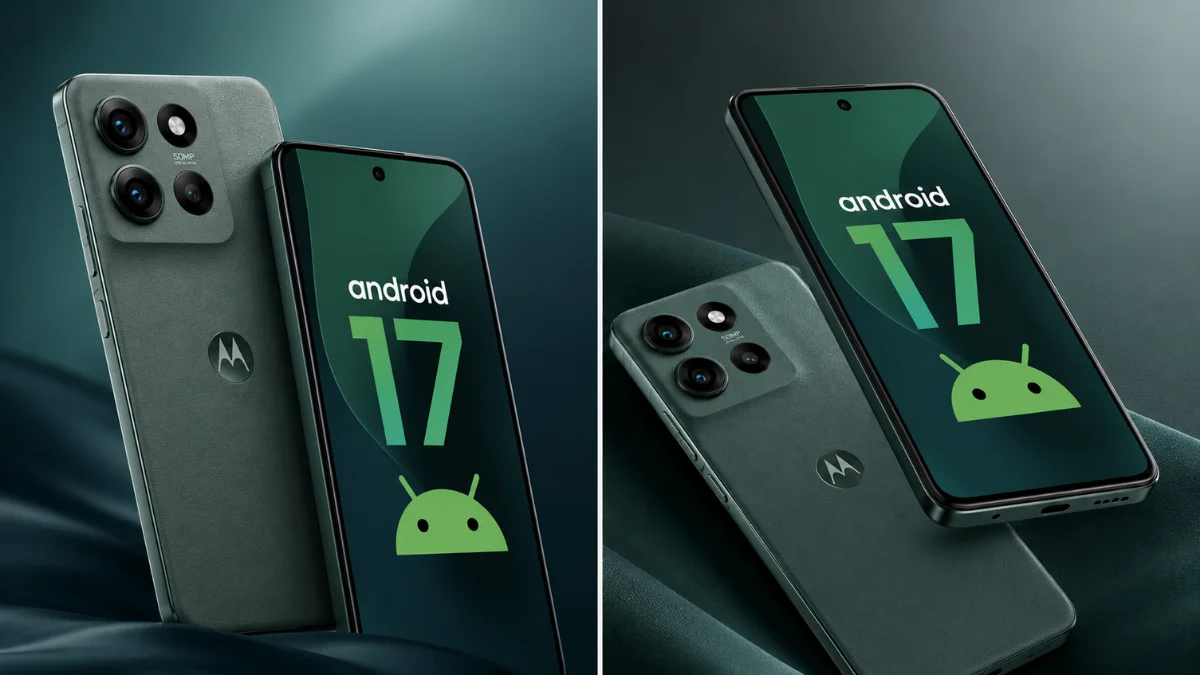
The Motorola Android 17 update brings a surprisingly useful collection of improvements.
A redesigned Quick Settings panel and better widgets refresh the interface, while expanded Quick Share makes sending files outside the Android ecosystem easier. Device diagnostics add practical value, and stronger scam detection and authentication protections address increasingly important security concerns.
However, the software itself isn’t the biggest question.
Motorola now needs to provide clearer information about exactly which phones will receive it.
For users whose phones are confirmed, Android 17 looks like a worthwhile upgrade. For owners of unexpectedly missing devices, it makes sense to wait for Motorola to clarify its eligibility list before assuming support has ended.
Android 17 is quickly becoming one of the most important mobile software stories of 2026. Mobile Verse readers can also explore our Android 17 hidden features you probably missed guide for features available across Google’s latest operating system. Meanwhile, our coverage of the Ask Gemini Android shortcut explains how Google is bringing AI deeper into everyday Android workflows. Readers considering Samsung instead can check our Samsung One UI 9.5 features and changes coverage to see how another major Android manufacturer is building its next software experience.
Frequently Asked Questions
Which Motorola phones will get Android 17?
Motorola’s current eligibility information includes numerous Razr, Edge and Moto G devices. However, several recent models are unexpectedly absent, so users should check Motorola’s regional support page for their exact phone.
Is Motorola Android 17 rolling out now?
Yes. The stable rollout is underway, beginning with higher-end Motorola devices before expanding more broadly. Availability will vary by model, carrier and region.
What are the biggest Motorola Android 17 features?
Major changes include redesigned Quick Settings, improved widgets, expanded Quick Share, device diagnostics, enhanced Circle to Search, scam detection and stronger authentication security.
Why hasn’t my Motorola received Android 17?
Updates don’t reach every device simultaneously. Motorola needs to test software across different models, regions and carriers, which can cause different rollout schedules.
How can I check for Android 17 on my Motorola phone?
Open Settings → System → System updates → Check for updates. Your phone will show the upgrade when it becomes available for your model and region.
Can I downgrade from Android 17?
Motorola says users cannot downgrade to a previous software version after installing an update.

2 thoughts on “Motorola Android 17 Update: New Features, Eligible Phones and What’s Changing”