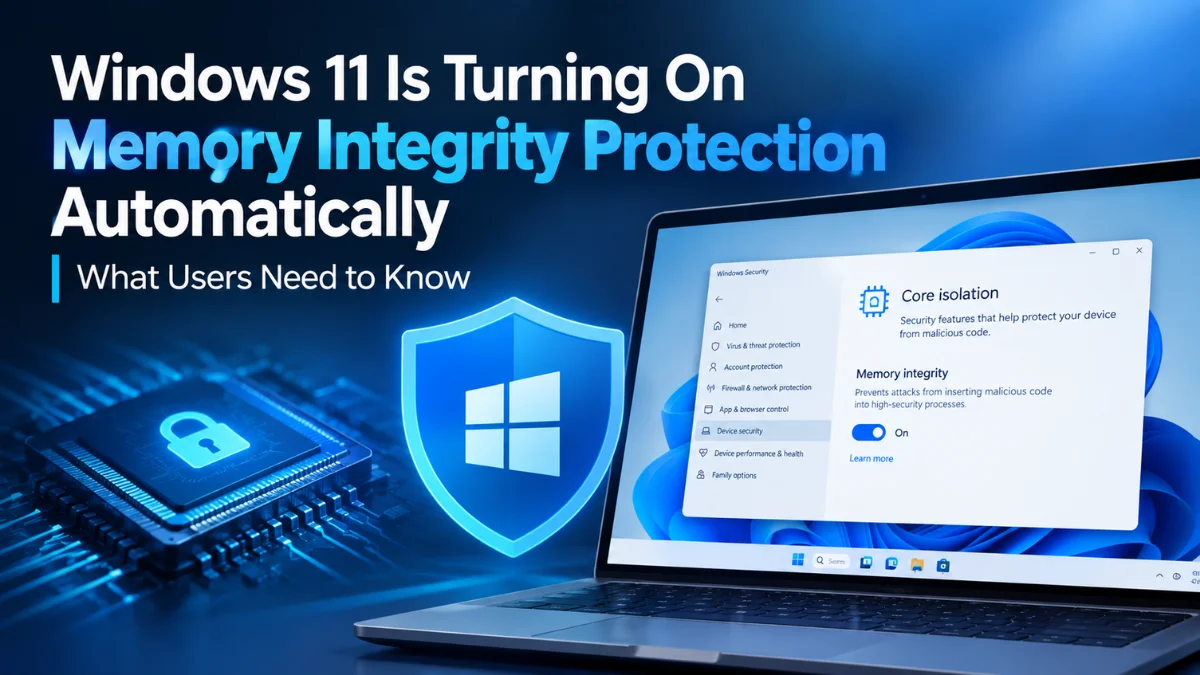
Windows 11 Memory Integrity Will Turn On Automatically: What Users Need to Know
 By Inflix
 Your Windows 11 PC could soon gain an important security upgrade without you changing a single setting. Microsoft has announced plans to expand Windows 11 Memory Integrity protection across more eligible devices starting in October 2026.
The change will arrive through regular Windows quality updates. On eligible computers, Windows may automatically enable Memory Integrity, while some devices may also have Virtualization-based Security (VBS) enabled as part of the process.
However, Microsoft will not simply switch the feature on across every Windows PC. The company will first evaluate hardware capabilities, compatibility, expected performance and existing security settings.
For most users, the change should provide stronger protection against sophisticated attacks without requiring additional setup.
What Is Windows 11 Memory Integrity?
Windows 11 Memory Integrity is a security feature designed to protect some of the most sensitive parts of the operating system.
It uses Virtualization-based Security (VBS) to create an isolated environment where Windows can perform important security checks. This separation makes it harder for malicious software to interfere with the Windows kernel.
Memory Integrity is also known as Hypervisor-protected Code Integrity (HVCI).
In simple terms, the feature helps Windows make sure that only trusted kernel-mode code and drivers can run. That matters because attackers who successfully compromise the kernel can gain extremely powerful access to a computer.
Windows 11 Memory Integrity Changes Coming in October 2026
Beginning in October 2026, Microsoft will use Windows quality updates to enable Memory Integrity on more eligible devices.
The rollout will happen gradually. Therefore, two compatible PCs may not receive the change at the same time.
| Feature | What is changing? |
|---|---|
| Memory Integrity | Enabled on more eligible devices |
| Rollout begins | October 2026 |
| Delivery method | Windows quality updates |
| VBS | May also turn on when required |
| Previously disabled feature | User choice remains respected |
| Managed PCs | Existing administrator policies remain |
| Rollout | Gradual |
Microsoft says the change aims to provide stronger kernel-level protection by default with little or no additional configuration.
Will Microsoft Enable It on Every Windows 11 PC?
No.
Microsoft will determine whether a device is ready before making the change. Several factors will influence that decision, including:
- Hardware capabilities
- Driver and software compatibility
- Performance considerations
- Windows 11 system requirements
- Recommended built-in security protections
This approach should reduce the chance of Microsoft activating the feature on computers that could encounter serious compatibility or performance problems.
Therefore, users with older hardware should not assume their PC will automatically receive the change in October.
What If You Previously Turned Memory Integrity Off?
This is an important detail.
Microsoft will respect your existing choice.
If you previously disabled Memory Integrity, the October rollout will not automatically turn it back on. Existing administrator policies will also remain in effect.
That means Microsoft is expanding the default protection rather than overriding deliberate user or administrator decisions.
For businesses, this is particularly important because IT teams may have disabled the feature to maintain compatibility with specific hardware, drivers or software.
Why Is Microsoft Expanding Memory Integrity?
The Windows kernel sits at the heart of the operating system. It manages critical interactions involving hardware, drivers, memory and system processes.
That makes kernel-level access extremely valuable to attackers.
Memory Integrity adds another barrier by running code-integrity checks inside a virtualized environment isolated from the main Windows kernel. It also restricts kernel memory in ways designed to make compromise more difficult.
Microsoft has already enabled the technology by default on clean Windows 11 installations that meet its requirements and on Secured-core PCs. The October change expands the protection to more existing eligible devices.
Windows 11 Memory Integrity and PC Performance
This will probably be one of the biggest questions for Windows users, particularly gamers.
Virtualization-based security features require additional system resources. Consequently, performance can vary depending on the processor, hardware configuration, drivers and workload.
Microsoft appears to recognise this concern. Its eligibility assessment specifically includes performance considerations before Windows automatically enables the protection.
Modern compatible PCs may experience little noticeable difference during normal use. Older systems or specialised workloads could respond differently, however.
Rather than disabling the feature immediately, users should first see how their PC performs after the update.
Could Old Drivers Cause Problems?
Driver compatibility is another important consideration.
Memory Integrity requires compatible drivers because it places stricter security requirements on code operating at the kernel level. Microsoft warns in its technical guidance that drivers must support virtualization-based code integrity for the feature to work correctly.
This is another reason why Microsoft checks device readiness before enabling the protection automatically.
Users who encounter problems should check for updated drivers from their PC or hardware manufacturer before deciding to disable a security feature.
How to Check Windows 11 Memory Integrity
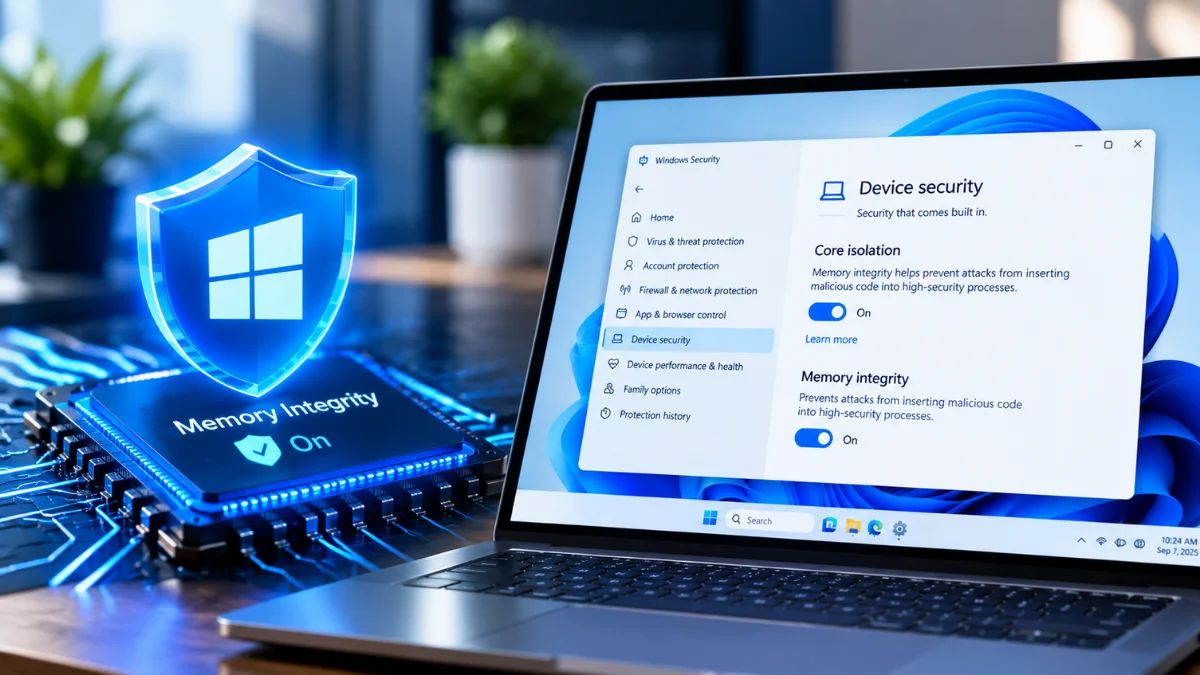
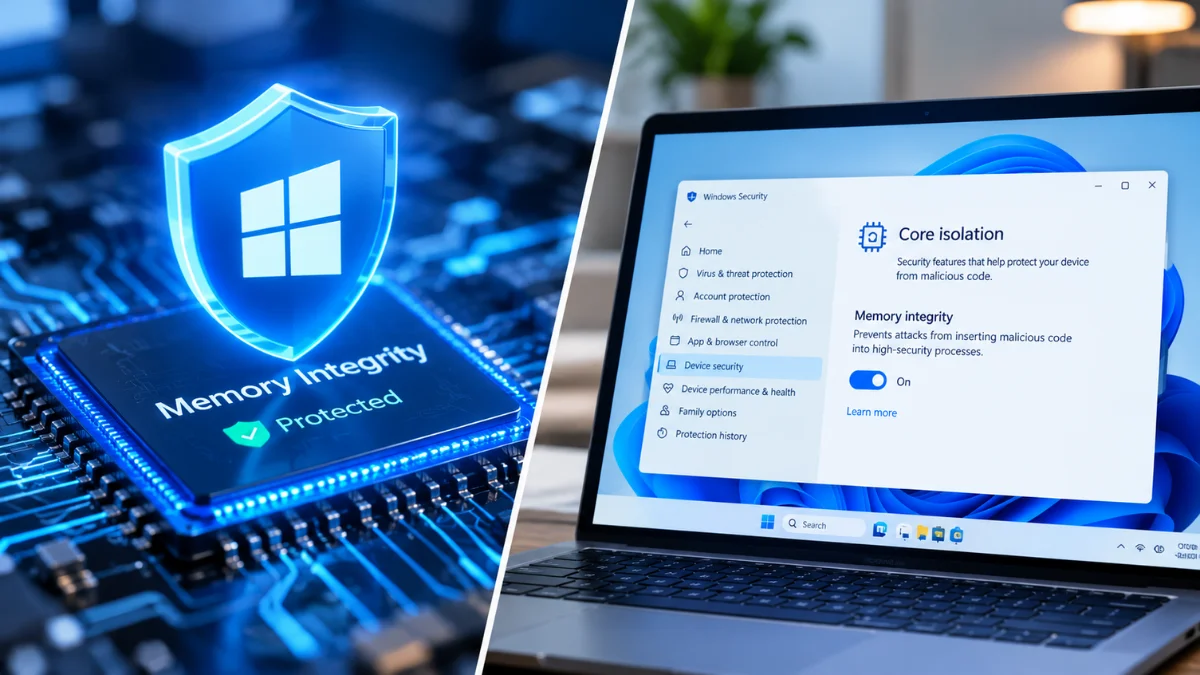
You can check the setting directly through Windows Security.
Go to:
Windows Security → Device security → Core isolation details → Memory integrity
The page will show whether the feature is currently on or off. Microsoft documents this same path in its official Windows security guidance.
Windows 11 can also display a security warning when Memory Integrity is disabled.
Should You Turn Off Windows 11 Memory Integrity?
For most users, there is no reason to disable it simply because Windows turns it on automatically.
The feature exists to strengthen protection around highly privileged parts of Windows. Turning it off removes that additional security layer.
However, a user experiencing a genuine compatibility problem after the update may need to investigate further.
Before disabling it, try:
- Installing the latest Windows updates.
- Updating graphics, chipset and other hardware drivers.
- Checking Windows Security for incompatible-driver warnings.
- Updating any older software associated with affected hardware.
- Testing whether the problem actually started after Memory Integrity became active.
Disabling the feature should generally be a troubleshooting step rather than the first response to the October update.
Windows 11 Memory Integrity for Gamers
Gamers may pay particularly close attention to the change because even small performance differences can matter when chasing high frame rates.
However, Microsoft is not enabling the feature blindly. Performance forms part of its readiness assessment for automatic activation.
If your PC qualifies, it means Microsoft considers the system suitable based on its rollout criteria.
Still, gamers who notice an unusual performance change after an October quality update can check whether Memory Integrity recently became active.
It makes sense to update GPU and chipset drivers before changing security settings.
What About Business and Managed PCs?
Businesses retain more control over the feature.
Microsoft says existing administrator choices and policies will remain in place during the rollout. Organisations can also manage Memory Integrity through tools such as Microsoft Intune, Group Policy and other Windows management options.
That gives IT teams the ability to test compatibility before deploying security changes across large numbers of computers.
For organisations that already use compatible hardware and software, the expanded default protection could reduce the amount of manual security configuration required.
Windows 11 Security Is Becoming More Automatic
This change also reflects Microsoft’s broader approach to Windows security.
Instead of expecting every user to understand and manually configure advanced protection, Microsoft increasingly enables security technologies automatically when hardware and compatibility conditions allow.
Memory Integrity has existed for years, so October’s change does not introduce an entirely new Windows security technology.
The important difference is how widely Microsoft intends to enable it by default.
That distinction matters because many users rarely visit advanced Windows Security settings.
Internal Links for Mobile Verse Readers
Microsoft continues to introduce security, performance and usability changes through Windows updates. Mobile Verse readers can explore our latest Windows 11 updates and features coverage for more changes coming to PCs. You can also read our recent technology and cybersecurity news to understand how operating systems and online services are responding to emerging security threats.
What Windows 11 Users Should Do Before October
Most people do not need to make any immediate changes.
Keeping Windows and hardware drivers updated is the most useful preparation. Users with specialised hardware, older peripherals or business software should pay closer attention to driver compatibility.
After installing an October quality update, you can check Windows Security → Device security → Core isolation details to see whether the setting has changed.
Most importantly, do not assume that Microsoft will force the feature onto every computer. The company says it will assess eligibility first, roll the change out gradually and preserve previous user and administrator decisions.
FAQs
When will Microsoft expand Memory Integrity protection?
Microsoft will begin the wider rollout in October 2026. Windows quality updates will deliver the change gradually to eligible devices.
What does Memory Integrity do?
The feature helps protect critical Windows components from tampering. It uses virtualization-based security to isolate important code-integrity checks from the main operating system.
Will every Windows 11 PC get the change?
No. Microsoft will check hardware, compatibility, performance and other requirements before enabling the protection.
What happens if I already turned the feature off?
Microsoft says the new rollout will respect your previous decision. Windows will not automatically reverse an existing choice to disable the feature.
How can I check the setting?
Open Windows Security, select Device security, choose Core isolation details, and look for the Memory integrity option.
Should gamers disable it?
Not automatically. Keep the protection enabled unless you identify a genuine compatibility or performance problem. Updating Windows and hardware drivers should come first.