

WhatsApp Ends Support for Android 5 Phones: What Users Should Do
 By Inflix
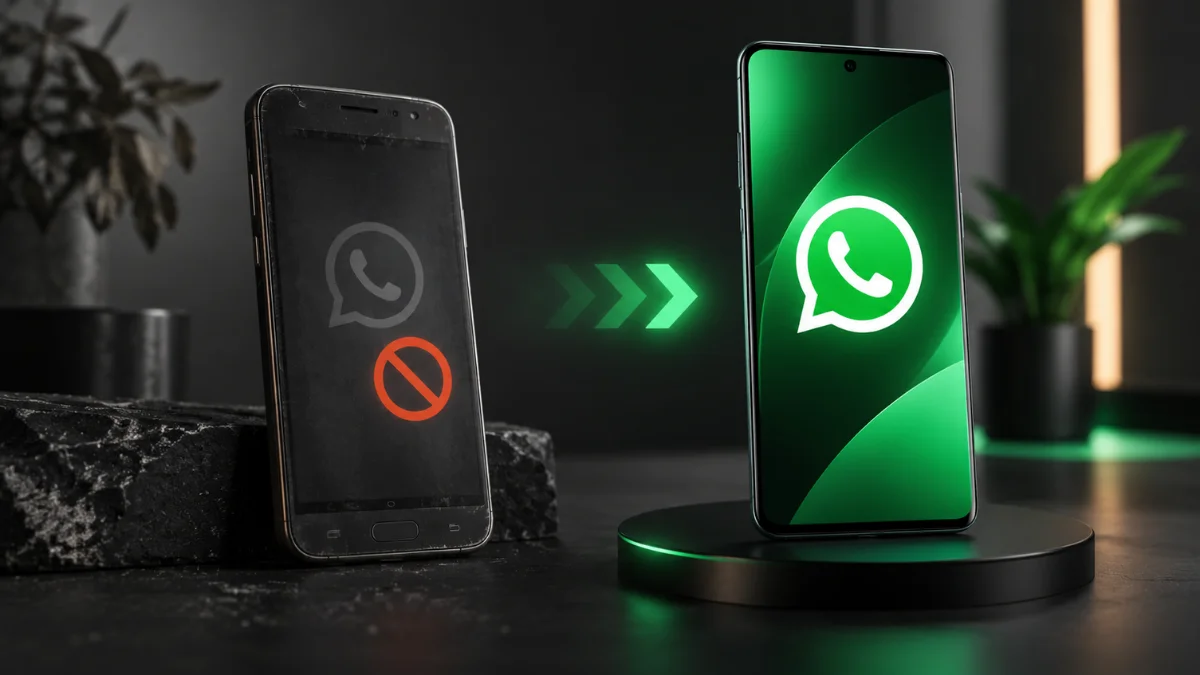
 If you still use a very old Android phone, an important WhatsApp change has now taken effect. WhatsApp Android support has ended for devices stuck on Android 5.0 and Android 5.1, meaning those phones can no longer meet the app’s minimum operating system requirement.
Starting 8 September 2026, WhatsApp requires Android 6.0 or newer. The change affects both WhatsApp Messenger and WhatsApp Business on unsupported Android devices.
For most Android users, nothing needs to be done. However, people still using Android 5 should check whether their phone can receive a newer Android version. If it cannot, moving to a supported device may be the only practical way to continue using WhatsApp.
WhatsApp Android Support Now Requires Android 6
Until this change, WhatsApp supported Android phones running version 5.0 or newer.
That requirement has now changed.
WhatsApp’s official Help Center states that from 8 September 2026, only Android 6 and newer versions will receive support.
Here is the situation in simple terms:
| Android version | WhatsApp status from 8 September |
|---|---|
| Android 5.0 | No longer supported |
| Android 5.1 / 5.1.1 | No longer supported |
| Android 6.0 | Supported |
| Android 7 and newer | Supported |
Therefore, this change is about the Android version installed on your phone rather than simply the age or brand of the device.
A phone that originally launched with Android 5 but later received Android 6 or newer can still meet WhatsApp’s minimum requirement.
Why Has WhatsApp Dropped Android 5?
Android 5.0 Lollipop dates back to 2014. Consequently, devices that remain on this software are now running an operating system generation that is more than a decade old.
WhatsApp says it regularly reviews the operating systems it supports.
According to the company, older devices may no longer receive the latest security updates or may lack functionality required to run WhatsApp properly. WhatsApp therefore reviews older devices and software with relatively few remaining users when deciding what to continue supporting.
Dropping very old platforms can also allow developers to focus on newer operating systems instead of maintaining compatibility with software that manufacturers themselves may no longer update.
Which Android Phones Are Affected?
There isn’t one simple list of affected phone models.
What matters is the Android version currently installed.
If your phone remains on Android 5.0, 5.1 or 5.1.1 and the manufacturer provides no upgrade to Android 6 or newer, it no longer meets WhatsApp’s minimum requirement.
However, don’t assume an old phone is affected just because it originally shipped with Android 5.
Some older devices received later Android upgrades. Therefore, checking the operating system installed on your specific device is more reliable than looking only at the phone’s model or release year.
How to Check Your Android Version
If you’re unsure whether the new WhatsApp Android support requirement affects you, checking your software version takes less than a minute.
On most Android phones, open:
Settings > About phone > Android version
The exact menu name can vary between manufacturers.
If your phone shows Android 6.0 or higher, you meet WhatsApp’s new Android operating system requirement.
If it shows Android 5.0 or 5.1, check whether an official system update is available.
You can usually do this through:
Settings > System > Software update
Samsung, Xiaomi, Motorola and other manufacturers may use slightly different menu names.
What Happens If Your Android Version Is No Longer Supported?
WhatsApp doesn’t simply change its requirements without warning affected users.
The company says it sends notifications inside WhatsApp and reminds users several times to upgrade before support for their operating system ends.
Now that the Android 5 deadline has arrived, users stuck on those versions cannot rely on continued WhatsApp compatibility.
WABetaInfo reports that WhatsApp no longer works on Android 5.0 and 5.1 devices following the 8 September cutoff.
Trying to keep an old version of the WhatsApp app indefinitely is not a good long-term solution either. Compatibility, account access and security requirements can change over time.
Can Updating Android Fix the Problem?
Potentially, yes.
Before replacing your phone, check for an official software update.
If your Android 5 phone can upgrade to Android 6.0 or newer, installing that update should bring the operating system above WhatsApp’s new minimum requirement.
However, many devices still running Android 5 are old enough that their manufacturers stopped releasing Android upgrades years ago.
In that situation, there may be no official upgrade available.
Users should also be cautious about unofficial Android ROMs simply to keep WhatsApp running. Installing unsupported software can introduce reliability and security problems, particularly for people unfamiliar with modifying Android devices.
Back Up WhatsApp Before Changing Phones
If you need to replace an unsupported phone, protecting your conversations should be a priority.
Check your WhatsApp chat backup before moving to the new device.
Depending on your setup, Android WhatsApp data may be backed up so that eligible chat history can be restored when WhatsApp is installed on the replacement phone.
Also make sure you retain access to the phone number associated with your WhatsApp account.
WhatsApp states that a phone must be capable of receiving an SMS or phone call during the verification process when registering a number.
Therefore, don’t dispose of your old SIM or lose access to your number before setting up WhatsApp on the replacement device.
What Should You Do If Your Phone Cannot Upgrade?
If the phone cannot run Android 6 or newer, your options become limited.
First, make sure an official system update genuinely isn’t available. Some users may have postponed updates for years without realising that a newer Android version exists for their device.
If no update exists, moving WhatsApp to a newer Android phone is the most reliable option.
You don’t necessarily need the newest flagship smartphone. Even Android 6 meets the current minimum requirement, although buying a much newer device makes more sense if you are replacing an old phone in 2026.
A newer device will also provide better security support and is less likely to lose compatibility with important apps in the near future.
Does WhatsApp Business Still Work on Android 5?
The Android requirement also matters to business users.
WABetaInfo reports that the Android 6 minimum applies to both WhatsApp Messenger and WhatsApp Business.
Therefore, businesses using an old Android handset should not assume the Business version provides an exception.
This could be particularly important for small businesses that keep an older dedicated phone solely for customer messages.
Checking that device now could prevent disruption to customer communication.
iPhone Users Have a Different Deadline
The September change specifically concerns older Android versions, but WhatsApp has another compatibility change planned for iPhone.
WhatsApp currently lists iOS 15.1 as its supported minimum. However, the company says that starting 30 November 2026, only iOS 15.5 or newer will be supported.
Therefore, iPhone users don’t face the same September Android cutoff.
However, anyone using an older iPhone should check whether their device can run iOS 15.5 or newer before the November deadline arrives.
Why App Support Matters When Buying a Phone
The end of WhatsApp Android support for Android 5 highlights something smartphone buyers sometimes overlook: hardware lifespan and software lifespan aren’t always the same.
A phone may still switch on, make calls and have a working battery years after the manufacturer stops updating its operating system.
However, apps continue evolving.
Eventually, developers may require security features, APIs or system capabilities that very old operating systems cannot provide.
As a result, software support has become an important factor when choosing a new smartphone.
Phones with longer Android upgrade and security commitments are more likely to remain compatible with important apps for longer.
Don’t Download Unofficial WhatsApp Versions
Users affected by the change may come across websites claiming to offer modified or old WhatsApp APK files that supposedly restore compatibility.
Avoid treating these as a safe solution.
An unofficial or modified app may create privacy, security, or account risks. Moreover, an outdated version may eventually fail to communicate correctly with WhatsApp’s service even if you manage to install it.
The safer approach is to use WhatsApp on an officially supported operating system and obtain the app through an official distribution channel.

More Android and WhatsApp Updates on Mobile Verse
Software requirements can change as apps introduce new features and security improvements. Mobile Verse readers can also explore our latest Android updates, WhatsApp feature news, and Android phone guides for more information on app compatibility, new features, and software support.
Keeping both Android and individual apps updated can reduce compatibility problems and provide access to newer security improvements.
What Android Users Should Do Now
The new requirement is straightforward.
If your phone runs Android 6 or newer, the September Android cutoff does not affect you.
However, if your device remains on Android 5.0 or 5.1, check for an official Android update immediately. If the manufacturer does not provide one, you will need to consider moving WhatsApp to a supported device.
Most importantly, back up important conversations and retain access to your registered phone number before switching phones.
The WhatsApp Android support change may affect only older devices, but for people who use those phones every day, it can mean the difference between having access to WhatsApp and needing a replacement device.
Frequently Asked Questions
Which Android versions has WhatsApp stopped supporting?
From 8 September 2026, WhatsApp requires Android 6 or newer. Phones that remain on Android 5.0 or Android 5.1 no longer meet the minimum requirement.
Will WhatsApp work on Android 6?
Yes. Android 6 meets WhatsApp’s new minimum Android requirement.
How can I check whether my phone is affected?
Open your phone’s Settings and look for About phone or Android version. If the device runs Android 6 or newer, it meets the current requirement.
Do I need a new phone to continue using WhatsApp?
Not necessarily. If your phone has an official update to Android 6 or newer, updating the operating system may solve the compatibility problem. A replacement is mainly necessary when the device cannot upgrade beyond Android 5.
Does the change affect WhatsApp Business?
Yes. The Android 6 minimum applies to WhatsApp Messenger and WhatsApp Business, according to WABetaInfo’s report on the cutoff.
Is WhatsApp also ending support for older iPhones?
WhatsApp has a separate iPhone change scheduled. From 30 November 2026, the minimum supported version will rise to iOS 15.5.


