Meta Launches Muse for Mac: What the New Personal AI Agent Can Do
 By Inflix
 Meta’s new Muse for Mac does more than answer questions — it can work with files, messages, emails and other information already sitting on your computer.
Meta has expanded its personal AI agent to the Mac, giving Muse a much deeper connection to a user’s computer than the web-based version that was already accessible from a desktop browser.
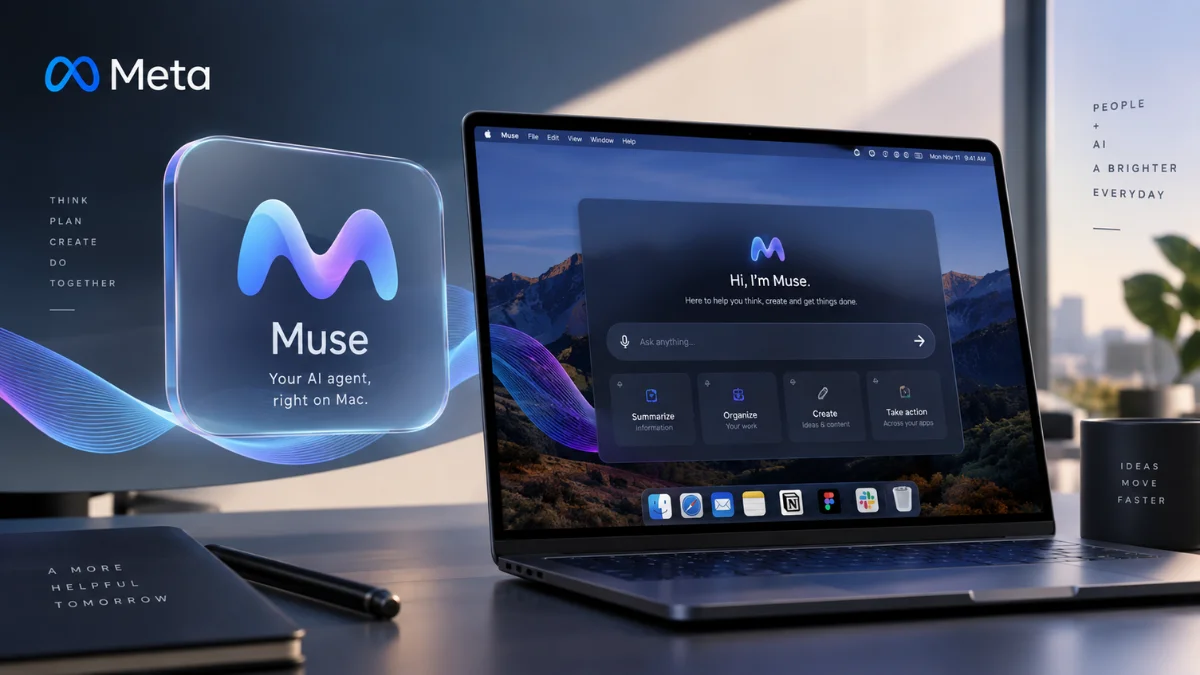
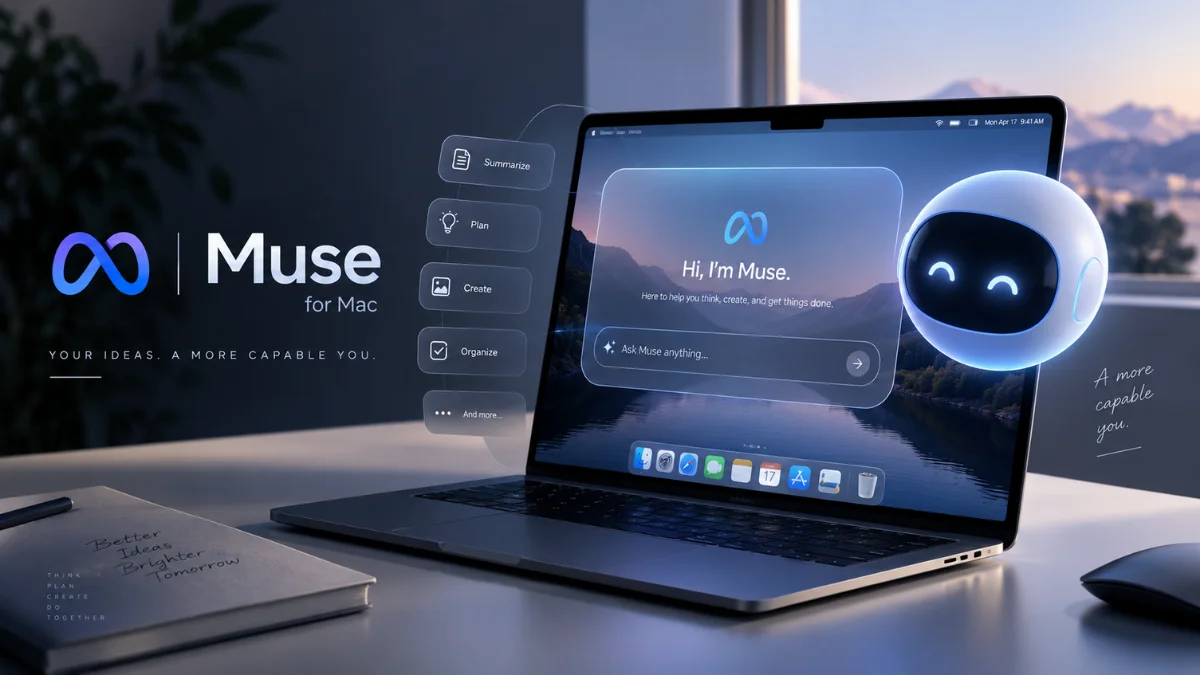
The new Meta Muse for Mac can work with files and supported Mac apps, including Messages, Calendar, Notes and Mail. Users decide what the agent can access, while Meta says sensitive actions such as deleting a file or sending a message require approval before Muse proceeds.
That makes the launch particularly interesting for Mac users. Instead of repeatedly uploading documents or copying information into an AI chatbot, Muse can potentially perform tasks using information already available on the computer.
For readers following Mobile Verse AI updates, here is what Meta Muse for Mac actually does, how its permissions work, what makes it different from a conventional chatbot and what Meta has yet to confirm.
Meta Muse for Mac: Quick Overview
| Detail | Information |
|---|---|
| Product | Muse from Meta / Muse for Mac |
| Developer | Meta |
| Product type | Personal AI agent |
| Mac availability | Available now |
| Original Muse launch | 8 September 2026 |
| Main purpose | Completing multi-step personal and productivity tasks |
| Mac access | Files, Messages, Calendar, Notes, Mail and other permitted resources |
| Web capabilities | Browsing, forms, research, purchases and other multi-step tasks |
| User approval | Required for sensitive actions such as deleting files or sending messages |
| Full Disk Access | Optional |
| Price | Free usage available; paid plans provide additional usage |
| Mac hardware requirements | Not officially detailed in the sources reviewed |
| Exact minimum macOS version | Not officially confirmed in the sources reviewed |
| Wider Muse availability | Initially rolling out in the US |
Meta introduced Muse itself on 8 September as a personal AI agent powered by its Muse Spark model. The company originally launched it in the US across iOS, Android and the web, with support for AI glasses planned later.
The dedicated Mac experience takes the idea further because Muse can now work with information stored locally on a user’s computer.
What Is Meta Muse?
Muse is Meta’s attempt to move beyond the familiar question-and-answer AI assistant.
A normal chatbot primarily waits for a prompt and returns information. Muse can instead take a goal, determine the steps needed to complete it, use connected services, browse the web and continue working in the background. For example, Meta says Muse can book appointments, fill in forms, handle customer-service tasks, make purchases, create documents, generate images, set reminders and monitor things on a user’s behalf.
It can also connect to services such as email, calendars and Instagram. Meta describes this type of system as a personal AI agent because it can take actions rather than simply explain how a person could complete them. The arrival of Muse on macOS makes that distinction more important. Instead of working only through connected cloud services and a browser, the Mac version can interact with permitted information already on the computer.
That is why Mobile Verse AI agent coverage is increasingly focusing on what an AI can actually do, rather than only how well it answers a prompt.
What Can Meta Muse for Mac Actually Do?
Meta says the first version of Muse for Mac can work directly with files, Messages, Calendar, Notes and Mail. The company is positioning it around ordinary computer tasks rather than highly technical automation. Examples provided by Meta include organising folders, producing an end-of-day summary from emails, chats and notes, and completing an unfinished form using information from files already stored on the Mac.
In practical terms, its current capabilities include:
- Organising files and folders.
- Working with permitted Messages, Calendar, Notes and Mail information.
- Summarising information across different sources.
- Using existing Mac files to help complete forms.
- Browsing the web and handling multi-step online tasks.
- Continuing longer tasks in the background.
- Asking for approval before sensitive actions.
The broader Muse platform can also research topics, book reservations, shop online, track goals, create documents and work with connected third-party services. However, those broader capabilities should not be confused with unlimited control of macOS. Meta has described specific supported interactions and permission controls, not unrestricted autonomous access to everything on a Mac.
How Meta Muse Works on a Mac
Muse’s biggest difference from a typical Mac AI assistant is the amount of context it can use when the user gives permission. Suppose you have an unfinished form and the information required to complete it is spread across documents stored on your Mac. Meta says Muse can use those files to help finish the form rather than requiring you to find each detail manually.
Another example involves the end of a working day. Muse can bring together information from email, chats and notes to create a summary. That requires the agent to understand a goal, locate relevant information across permitted sources and perform multiple steps before presenting the result. This is what the term agentic AI means in practice.
Instead of:
“Tell me how to organise these files.”
the goal becomes closer to:
“Organise these files for me.”
Muse then determines which tools and permissions it needs to complete the task. For readers following Mobile Verse artificial intelligence coverage, that shift from generating answers to performing actions is one of the most significant developments in consumer AI tools.
Does Muse Have Full Access to Your Mac?
Not automatically.
Meta says access is opt-in, and users control which permissions they grant Muse. Full Disk Access is optional rather than a requirement that Meta says every user must enable. Users can also change permissions through Settings.
This distinction matters because a personal AI agent can potentially encounter far more private information than a chatbot that only receives text pasted into a conversation. Granting access to Mail, Messages, Calendar, Notes or files could expose the agent to personal conversations, appointments, documents and other sensitive information required for the tasks a user asks it to perform. Mac users should therefore review each permission according to the task they actually want Muse to handle rather than automatically enabling every available option.
Does Meta Muse Ask Before Taking Important Actions?
Yes, for sensitive actions identified by Meta. The company specifically says Muse asks for approval before actions such as deleting files or sending messages on a Mac. The broader Muse platform follows a similar approach. Meta says the agent requests permission before certain actions such as sending emails, making purchases or sharing information with a connected application.
Users may be able to allow an action once, grant ongoing permission or deny it, depending on the connection and action involved. Muse also provides an audit trail showing actions the agent has performed and what it plans to do. That does not eliminate the risks associated with an AI system making mistakes, but it gives the user an opportunity to review important actions before they happen.
How Does Muse Protect Passwords and Payment Details?
Meta built a separate security architecture for the broader Muse agent called Muse Secure VM.
The system gives a user’s Muse a dedicated virtual computer in the cloud. Meta says credentials for connected services remain in secure storage and Muse itself cannot see the user’s passwords or payment methods. A separate system called the Sentinel agent monitors actions that attempt to reach the internet. Meta says Sentinel operates separately from Muse at the system level and can request user permission when required.
For online purchases, Muse supports Link by Stripe. Meta says Link can generate a one-time card number so neither the merchant nor the AI agent needs the user’s actual card details. Meta has also said that Muse conversations and information stored in its VM are not shared with Meta’s advertising systems. Users can opt out of having their Muse interactions used to train Meta’s AI models. These protections are important, although users should still consider carefully which accounts and information they choose to connect to any AI agent.
Can Meta Muse Work With Files and Mac Apps?
Yes, and this is the central feature of the new Mac version. Meta specifically identifies files, Messages, Calendar, Notes and Mail among the resources Muse can work with when the appropriate permissions have been granted. This gives Meta Muse for Mac a different role from an AI website running in a browser tab.
Imagine that information about tomorrow’s schedule is scattered across a calendar event, an email and a note. An agent with the appropriate permissions can potentially collect those pieces of context rather than forcing the user to open each app and manually transfer the information into a prompt. The same principle applies to file management and form completion. However, Meta has not claimed that Muse can freely operate every third-party Mac application. Support depends on the permissions, integrations and capabilities Meta makes available.
Does Muse Keep Working When You Close It?
The broader Muse service can continue working on assigned tasks after the user closes the app. Meta says longer-running jobs can continue in the background, with Muse returning when something changes or when it requires approval.
For example, a user could ask the agent to monitor something and receive an update later instead of keeping a Muse window open throughout the process. Muse can also maintain continuity across supported devices and interfaces. A person might begin interacting with Muse on a phone, return from a computer or communicate with it through WhatsApp. Meta designed the agent around an ongoing relationship rather than a series of completely independent chatbot sessions.
How to Get Meta Muse on Mac
Meta is directing Mac users to its official Muse download page for the new desktop version.
Muse itself initially rolled out in the United States, and Meta said at launch that it was available through iOS, Android and the Muse website. The company has been expanding the product since that 8 September launch. The Mac release now adds a native desktop experience capable of working directly with permitted computer resources.
At the time of writing, Meta has not clearly published a complete minimum Mac model list or minimum macOS version in the primary sources reviewed for this article. Therefore, Mobile Verse is not assigning an unofficial compatibility requirement. If the download is unavailable in your region or on your Mac, that does not necessarily mean your computer is technically incapable of running it. Regional rollout and software requirements can both affect availability.
Is Meta Muse Free?
Muse has a free tier. Meta says most people can use the service for free, while subscription plans are available for users who need more. Its current product FAQ describes free access as having a usage limit; once that allowance is reached, users can wait for it to refresh or upgrade to a paid subscription.
Therefore, “free” does not mean unlimited usage. The exact amount a person can use Muse may also depend on Meta’s current plan structure and future changes to its subscription offerings.
Meta Muse vs a Traditional AI Chatbot
The easiest way to understand Muse is to compare the type of work each system performs.
| Traditional AI chatbot | Meta Muse personal AI agent |
|---|---|
| Primarily responds to prompts | Can take actions towards a goal |
| Usually waits for the next message | Can continue working in the background |
| Often requires information to be pasted or uploaded | Can use permitted apps, services and Mac resources |
| Produces instructions or content | Can perform supported multi-step tasks |
| Usually works within its chat interface | Can work across supported services and computer resources |
| User manually carries out many suggested actions | Muse can carry out supported actions with appropriate permission |
The distinction is not absolute because modern AI assistants increasingly include tools and integrations. However, Meta explicitly designed Muse around completing actions and pursuing longer-running goals rather than simply maintaining a conversation. For an ordinary Mac user, that is the practical difference that matters.
What Does Muse Remember About You?
Personalisation forms another major part of Meta’s strategy. Meta says Muse can remember information that matters to the user and use it when making future suggestions. For example, it might remember dietary restrictions when helping organise a dinner or use a saved Instagram recipe when preparing a grocery list.
Users can tell Muse to forget particular information. This memory could make a personal AI agent more useful over time because the user may not need to explain the same preferences repeatedly. At the same time, persistent personal context makes privacy controls particularly important. Users should understand what they have allowed Muse to remember and which external services they have connected.
What Are the Current Limitations of Meta Muse for Mac?
Muse for Mac is still an early version. Meta itself describes the release as the “first version” capable of getting things done directly on a user’s computer and says more development is coming. Several practical limitations are therefore worth keeping in mind.
Meta has not published evidence that Muse can control every Mac application or complete every desktop workflow. It also has not provided a comprehensive public list of compatible Mac models and minimum macOS versions in the primary material reviewed for this article.
AI agents can also make mistakes. Requiring confirmation before sensitive actions helps reduce risk, but users should still review important outputs and actions rather than assuming an automated task was completed perfectly. Finally, some users outside the US may not have the same access because Muse began with a US rollout.
How Muse Fits Into Meta’s Bigger AI Strategy
Muse represents a different direction from an AI chatbot that lives inside a social app.
Meta says its long-term ambition involves what it calls “personal superintelligence”: AI that understands an individual well enough to help with goals and everyday work. Muse is an early consumer product built around that idea.
The company’s Muse Spark model powers the agent, while Muse Secure VM provides the dedicated cloud environment that allows it to perform longer-running tasks. Meta is also planning to bring Muse to AI glasses, which could eventually move the personal-agent concept beyond phones and computers.
For latest AI news on Mobile Verse, this broader direction matters as much as the Mac application itself. Consumer AI is gradually moving from systems that generate information towards agents designed to perform real tasks across apps, websites and devices.
Should Mac Users Give Muse Full Disk Access?
Full Disk Access is optional, according to Meta.
Whether a user should enable it depends on what they want Muse to accomplish and how comfortable they are granting an AI agent access to information stored across the computer. A sensible approach is to provide only the permissions required for the tasks you actually want the agent to perform. For example, someone interested mainly in calendar management may not need to grant broader access simply because the option exists.
Meta lets users modify permissions later, so access does not need to be treated as an all-or-nothing decision.
Why Muse for Mac Matters
AI companies have spent years improving how well chatbots answer questions. Personal agents introduce a different challenge: whether an AI can safely carry out useful work on behalf of a person.
The Mac gives Muse considerably more context to work with. Files, emails, notes, messages and calendar events contain the information people already use to organise their lives. Giving an agent controlled access to that information can remove the repetitive step of manually feeding context into an AI conversation.
However, greater access also increases the importance of permissions, transparency and user approval. Muse for Mac therefore provides an interesting test of whether ordinary users are ready to let AI move from the chat window into their everyday computer workflows. Readers can follow Mobile Verse Artificial Intelligence for further coverage of Meta, Claude, ChatGPT and the rapidly expanding market for personal AI agents.
Final Thoughts
Meta Muse for Mac takes the personal AI agent much closer to the information people actually use every day.
Instead of requiring users to copy an email, upload a document or explain what is sitting in a folder, the Mac version can work with permitted files and apps such as Messages, Calendar, Notes and Mail. It can then use that context to perform supported tasks rather than simply explaining how the user could do them.
Meta has also made permission controls central to the first release. Full Disk Access remains optional, users can change access through Settings, and sensitive actions such as deleting files or sending messages require approval.
There are still unanswered questions, particularly around detailed Mac compatibility and how broadly Muse will expand beyond its initial rollout. Users also need to decide how much personal information they are comfortable making available to an AI agent.
Even so, Meta Muse for Mac illustrates the direction consumer AI is taking in 2026. The next phase is increasingly about AI that can act across computers, apps and online services while the user decides how far that access should go.
Frequently Asked Questions
What is Meta Muse for Mac?
Meta Muse for Mac is the desktop version of Meta’s personal AI agent. It can work with permitted files and Mac apps such as Messages, Calendar, Notes and Mail to help complete multi-step tasks.
Is Meta Muse available on Mac?
Yes. Meta has announced Muse for Mac and is directing users to its official Muse download page. It previously offered Muse through mobile apps and the web.
Is Meta Muse free?
Muse offers free access with a usage limit. Meta also offers paid subscriptions for people who want additional usage.
Can Meta Muse access files on my Mac?
Yes, when you grant the necessary permissions. Meta says the Mac version can work with files and can organise folders or use information from files to help complete tasks.
Does Meta Muse need Full Disk Access?
Meta says Full Disk Access is optional. Users control access and can change Muse’s permissions through Settings.
Can Muse read Messages, Mail and Notes?
Meta says Muse for Mac can work with Messages, Calendar, Notes, Mail and other permitted resources. The level of access depends on the permissions the user grants.
Can Meta Muse delete files or send messages automatically?
Meta says sensitive actions such as deleting files and sending messages require user approval first.
Which Macs support Meta Muse?
Meta has released Muse for Mac, but a comprehensive minimum Mac model and macOS compatibility list was not clearly specified in the primary sources reviewed for this article. Users should check Meta’s current official download page before installing.
How is Muse different from a normal AI chatbot?
A chatbot primarily responds to prompts. Muse is an agentic AI system that can browse, use connected information, perform supported actions, complete multi-step tasks and continue working in the background.
Is Meta Muse available outside the US?
Meta initially launched Muse as a US rollout. Availability may therefore differ by region as Meta expands the service.