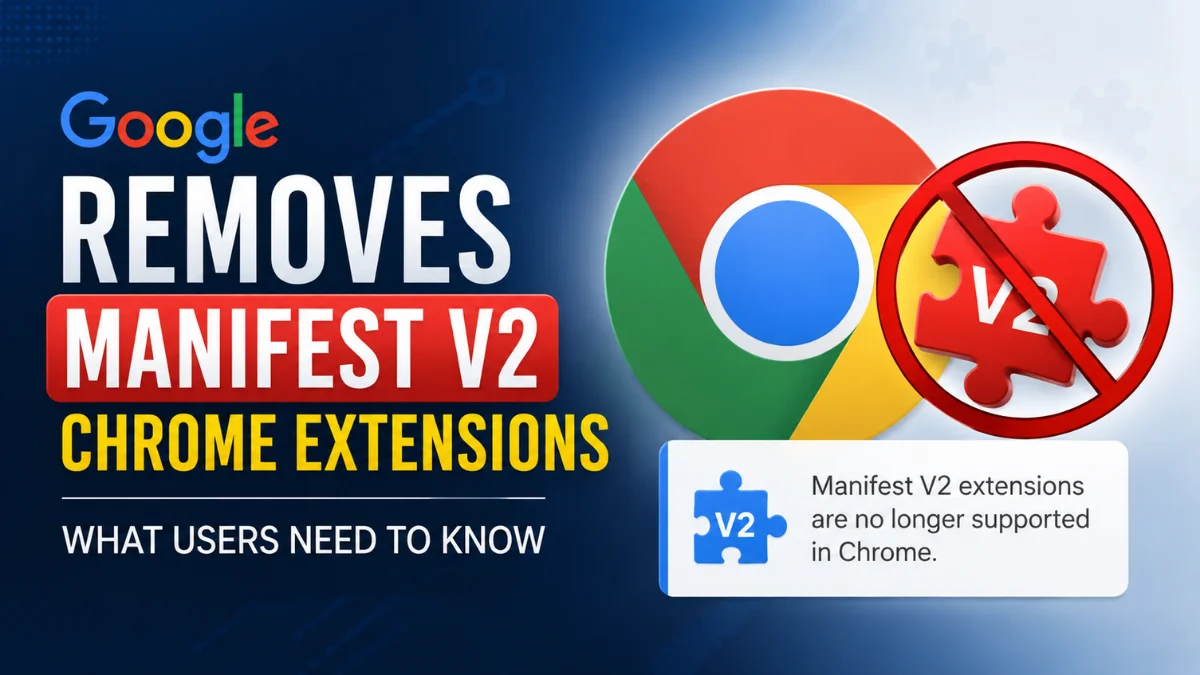
Chrome Manifest V2 Support Ends: What Users Need to Know
 By Inflix
 Some Chrome extensions you have relied on for years may no longer work as expected as Google moves the browser away from Chrome Manifest V2. Here is what is changing and what users should do next.
Google’s transition from Manifest V2 to Manifest V3 represents one of the biggest changes to the Chrome extension ecosystem in years. Although the transition has been gradual rather than an overnight shutdown, its effects are becoming increasingly important for everyday Chrome users.
In particular, extensions that still depend on the older Manifest V2 framework face compatibility problems as Chrome moves towards the newer Manifest V3 standard. Google also confirms that the Chrome Web Store no longer accepts Manifest V2 extensions and advises extension developers to migrate their products to Manifest V3.
So if an extension suddenly stops working, disappears, or asks you to install a newer version, the Manifest V2 transition could be the reason.
What Is Chrome Manifest V2?
A Chrome extension needs a manifest file that tells the browser important information about the extension, including its permissions, capabilities and other technical requirements.
Manifest V2 is the older version of this extension framework.
For years, thousands of browser extensions were built around it. However, Google introduced Manifest V3 as its successor, bringing a redesigned extension platform and changes to how extensions can interact with Chrome.
The change matters because an extension built only for Manifest V2 can’t continue indefinitely without the developer updating it for the newer system.
Chrome Manifest V2 vs Manifest V3
For ordinary users, the technical differences can seem confusing. The easiest way to understand the transition is to look at what each framework represents.
| Feature | Manifest V2 | Manifest V3 |
|---|---|---|
| Status | Older extension platform | Current extension platform |
| New Chrome Web Store submissions | No longer accepted | Supported |
| Extension architecture | Older framework | Updated framework |
| Security approach | Broader capabilities in some areas | More restricted and controlled |
| Long-term Chrome compatibility | Being phased out | Designed for current Chrome extensions |
Google says one of its goals with Manifest V3 is to improve the privacy, security and performance characteristics of the extension platform.
However, the transition has also generated debate, particularly around extensions that depend heavily on filtering or modifying web requests.
Why Is Google Moving Away From Manifest V2?
Security is one of Google’s main arguments for changing the extension platform.
Browser extensions can potentially access sensitive information depending on the permissions users grant them. Some can interact with websites, browser tabs, browsing data and network activity.
Consequently, a malicious or compromised extension can create significant privacy and security risks.
Manifest V3 changes parts of the extension architecture and places tighter controls on certain capabilities. Google argues that this creates a safer extension ecosystem while still allowing developers to build useful browser tools.
Performance is another consideration. The newer framework changes how background processes operate, which can reduce the amount of time an extension remains continuously active.
However, the migration is more complicated for some developers than simply changing a version number.
What Happens to Manifest V2 Chrome Extensions?
This is the most important question for users.
If an extension has already been successfully migrated to Manifest V3, you may notice little or no difference. The developer can distribute the updated version through the Chrome Web Store as usual.
The situation becomes different when an extension remains dependent on Manifest V2.
As support is withdrawn, affected extensions may become disabled or unavailable rather than continuing to function normally. Google has also stopped accepting Manifest V2 extensions in the Chrome Web Store.
Therefore, users should not assume that every old extension will remain compatible with future versions of Chrome.
Are All Chrome Extensions Being Removed?
No.
The change does not mean Google is removing Chrome extensions altogether.
Chrome and the Chrome Web Store continue to support browser extensions. The transition specifically concerns extensions that rely on the older Manifest V2 framework.
Manifest V3 extensions can continue to be distributed through the Chrome Web Store.
This distinction is important because headlines about Google “removing Chrome extensions” can make the change sound much broader than it really is.
Will Ad Blockers Stop Working?
This has been one of the biggest concerns surrounding Chrome Manifest V2.
Some traditional content blockers relied heavily on capabilities available under the older extension architecture. Manifest V3 changes how certain network requests can be handled, so developers have had to redesign some extensions.
However, this does not mean every ad blocker automatically stops working.
Manifest V3-compatible content blockers are available, while developers have also adapted their products to work within the newer framework.
As a result, the experience and capabilities can vary between extensions.
Users should check whether the developer of their preferred blocker provides a current Manifest V3-compatible version rather than assuming all ad blocking has disappeared from Chrome.
How Can You Check Your Chrome Extensions?
You can review your installed extensions directly inside Chrome.
Open Chrome and enter:
chrome://extensions
This page shows the extensions installed in your browser.
Look for warnings, disabled extensions or messages indicating that an extension is no longer supported.
If Chrome has disabled an older extension, check whether its developer provides an updated version. You can also search the Chrome Web Store for an alternative that performs the same function.
However, avoid downloading unofficial replacement extensions from unknown websites simply because an older extension has stopped working.
What Should You Do If an Extension Stops Working?
First, check whether an update is available.
Developers of popular extensions may already have released Manifest V3-compatible versions. In that situation, updating Chrome and the extension may solve the problem.
If no compatible update exists, consider replacing the extension.
Before installing an alternative, examine its developer, reviews, requested permissions and Chrome Web Store listing. An extension offering a simple feature should not necessarily require access to large amounts of unrelated browser data.
Additionally, remove extensions you no longer use. Keeping unnecessary browser extensions installed can increase both clutter and potential security exposure.
Does This Affect Other Chromium Browsers?
Manifest V3 is closely associated with Chromium, the open-source browser project that powers Chrome and several other browsers.
However, users should not assume that every Chromium-based browser will handle the Manifest V2 transition in exactly the same way or on exactly the same schedule.
Browser makers can make their own decisions about extension support and compatibility.
Therefore, if you use browsers such as Microsoft Edge, Brave, Opera or Vivaldi, check that browser’s current extension policy before assuming Chrome’s behaviour applies identically.
Why Manifest V3 Matters Beyond Extensions
The Manifest V2 transition highlights a bigger issue in modern browsers: extensions can be extremely powerful.
Password managers, shopping tools, productivity extensions, content blockers and accessibility tools can significantly change the browsing experience. At the same time, that power means extension permissions need to be handled carefully.
Google’s Manifest V3 approach attempts to place stronger boundaries around what extensions can do.
For users, however, the most noticeable effect will probably be much simpler: an old extension may need an update, replacement or removal.
Should Chrome Users Be Worried?
For most people, there is no reason to panic.
Many major extension developers have had considerable time to prepare for the transition. Moreover, the Chrome Web Store continues to support extensions built for the newer platform.
Nevertheless, it is worth reviewing your extension list.
If you depend on a particular productivity tool, password utility, content blocker or specialist browser extension every day, check whether its developer actively supports Manifest V3.
Doing that now can prevent an unexpected disruption later.
What Chrome Users Should Do Now
The transition does not require most users to make major browser changes.
Instead, keep Chrome updated and periodically review chrome://extensions for compatibility warnings.
Where an extension has moved to Manifest V3, use the developer’s official updated version. If an abandoned extension no longer works, look for a reputable replacement in the Chrome Web Store.
Most importantly, do not install random copies of discontinued extensions from third-party download sites. An extension can receive significant browser permissions, so its source matters.
Internal Links for Mobile Verse
Chrome’s extension changes are part of a much wider shift towards stronger browser and device security. Mobile Verse readers interested in privacy can also explore Android’s latest security and privacy improvements, while our latest Google and Android updates cover new features arriving across Google’s ecosystem. You can also follow Mobile Verse technology news for upcoming Chrome, Android and AI updates as they are announced.
Final Thoughts
Chrome users do not need to worry about the end of Manifest V2. Google continues to support extensions through Manifest V3, while developers can update their tools for the newer platform.
However, some older extensions may stop working if their developers do not migrate them. Therefore, users should regularly check their installed extensions and look for updated versions when necessary.
Keeping Chrome updated also helps users maintain compatibility with newer extensions. In addition, choosing extensions from trusted developers can reduce security and privacy risks.
Overall, Manifest V3 will shape the future of Chrome extensions. Users who keep their browser and extensions updated should experience the transition with minimal disruption.
FAQs
What does Chrome Manifest V2 mean?
Chrome Manifest V2 refers to the older framework that developers used to build Chrome extensions. Google introduced Manifest V3 as its replacement with updated security, privacy and performance features.
Is Google removing all Chrome extensions?
No. Google is not removing all Chrome extensions. Developers can continue offering extensions that support Manifest V3 through the Chrome Web Store.
Why did Google introduce Manifest V3?
Google introduced Manifest V3 to improve extension security, privacy and performance. The newer framework also changes how extensions access certain browser features.
Will my Chrome extensions stop working?
Some older extensions may stop working if their developers do not update them for Manifest V3. However, extensions that already support Manifest V3 can continue working normally.
Can I still use an ad blocker in Chrome?
Yes. Users can still install Manifest V3-compatible ad blockers. However, some blockers may work differently because Manifest V3 changes how extensions can manage network requests.
How can I check my Chrome extensions?
Open Chrome and type chrome://extensions into the address bar. You can then review installed extensions, check their status and remove any tools you no longer need.
What should I do if Chrome says an extension is unsupported?
First, check whether the developer offers a newer version. If an update is unavailable, search the official Chrome Web Store for a trusted alternative.