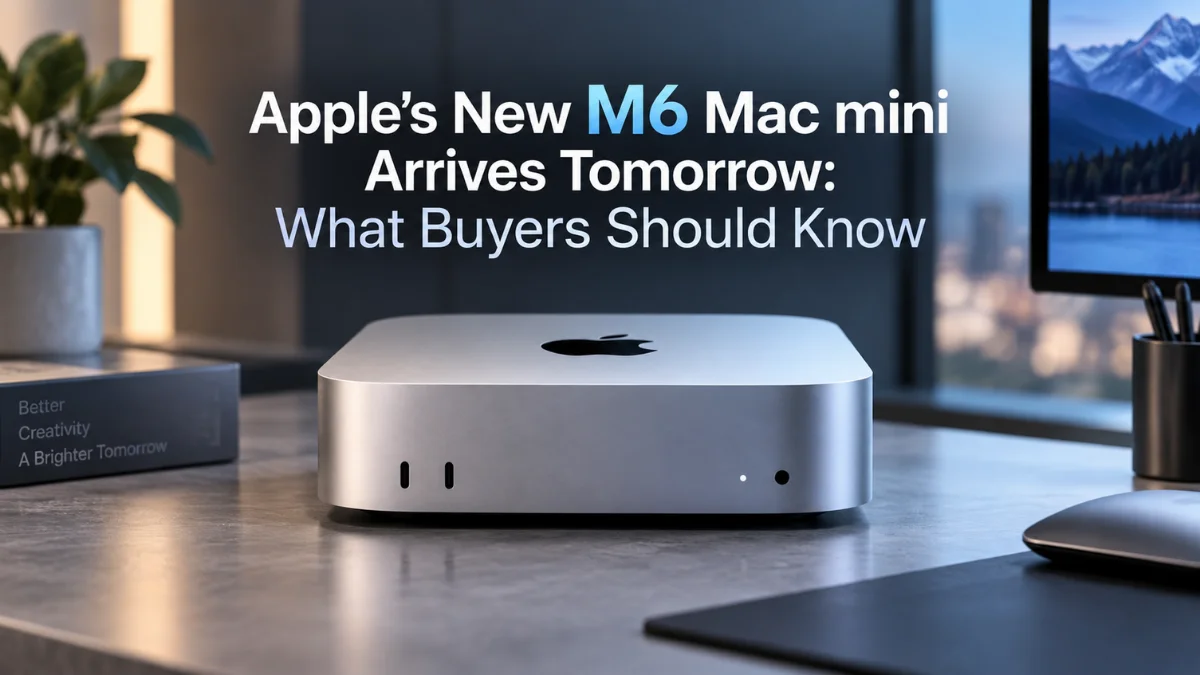
Apple’s New M6 Mac mini Arrives Tomorrow: What Buyers Should Know
 By Inflix
 Apple’s smallest desktop gets a major performance upgrade tomorrow, but the new £899 starting price means buyers should look closely at what the M6 Mac mini actually adds before ordering.
The M6 Mac mini officially becomes available on 22 September 2026, nearly a month after Apple announced its latest compact desktop. Pre-orders have been open since 25 August, while Apple says the first orders will begin reaching customers tomorrow alongside availability at Apple Stores and Apple Authorised Resellers.
This generation brings much more than a routine processor change. Apple has introduced its first 2-nanometre M6 chip, increased CPU and GPU core counts, strengthened on-device AI performance and upgraded connectivity with Wi-Fi 7, Bluetooth 6 and faster Ethernet. However, with UK pricing starting at £899, buyers should understand which improvements actually matter before replacing an existing Mac mini.
Here is what Mobile Verse Apple coverage readers need to know about the new M6 Mac mini before it reaches stores.
M6 Mac mini: Key Details at a Glance
| Specification | M6 Mac mini |
|---|---|
| Availability | 22 September 2026 |
| UK starting price | £899 |
| Education price | £799 |
| Processor | Apple M6 |
| Manufacturing process | 2nm |
| CPU | 12-core |
| GPU | 12-core |
| Neural Engine | Dual 16-core |
| Standard memory | 16GB unified memory |
| Maximum memory | 32GB |
| Memory bandwidth | Up to 170GB/s |
| Standard Ethernet | 2.5Gb |
| Wireless | Wi-Fi 7, Bluetooth 6 |
| Rear Thunderbolt | Three Thunderbolt 4 ports |
| Operating system | macOS 27 |
Apple is also selling a more powerful Mac mini with M5 Pro, starting at £1,699 in the UK. That model targets buyers with heavier professional workloads and offers additional CPU and GPU performance alongside Thunderbolt 5 connectivity.
When Does the M6 Mac mini Go on Sale?
The M6 Mac mini becomes officially available on 22 September 2026. Apple opened pre-orders on 25 August across 30 countries and regions, and the company says deliveries to customers will begin alongside availability through Apple Stores and authorised resellers.
Apple’s UK online store currently labels the new Mac mini as a pre-order product and confirms availability from 22 September. That means customers who did not pre-order will be able to start checking retail availability from tomorrow, although individual configurations and local stock levels may vary.
For Mobile Verse Mac updates, this makes 22 September the important date rather than the original 25 August announcement. The Mac mini has already been unveiled and available to order; tomorrow marks the beginning of its actual retail availability and customer deliveries.
How Much Does the M6 Mac mini Cost in the UK?
The new M6 Mac mini starts at £899 in the UK, while eligible education customers can buy it from £799. Apple also offers different storage and memory configurations, which can increase the final price considerably depending on the specification selected.
Apple’s current store shows M6 configurations with 16GB, 24GB and 32GB of unified memory, alongside different storage options. Buyers should therefore consider how much memory and storage they realistically need before ordering, particularly because upgrading the configuration at purchase can quickly move the machine away from its headline £899 price.
The more powerful M5 Pro Mac mini starts at £1,699, with an education starting price of £1,599. That creates a sizeable £800 gap between the entry prices, so many home users, students and general productivity buyers will probably find the standard M6 configuration more relevant unless their workloads genuinely require additional professional performance.
What Is New About Apple’s M6 Chip?
The biggest change sits inside the machine. M6 is Apple’s first chip manufactured using a 2-nanometre process, which allows greater transistor density while Apple focuses on improving both performance and power efficiency.
The M6 features a new 12-core CPU consisting of two super cores, four performance cores and six efficiency cores. Apple has also moved to a 12-core GPU, with Neural Accelerators built into every GPU core, while a new Dual 16-core Neural Engine handles additional machine-learning workloads.
Apple says the CPU contains two more cores than the previous generation and delivers up to 1.2 times faster multithreaded performance than M5 in its testing. Compared with the older M4 Mac mini, Apple’s Mac mini-specific benchmarks claim even larger improvements in certain workloads. As always, these are manufacturer benchmark claims, so real-world performance will depend on the software and task involved.
How Much Faster Is the M6 Mac mini Than M4?
Apple is making some substantial performance claims for buyers coming from the M4 Mac mini. According to Apple’s testing, M6 can provide up to 40% faster CPU performance, up to 2x faster graphics, up to 2x faster storage performance and as much as 4x faster AI performance compared with the M4 configuration used in its tests.
The gains vary considerably depending on the workload. Apple says LLM prompt processing in LM Studio can run up to 4.8 times faster than on M4, while Microsoft Excel spreadsheet calculations can reach up to 1.5 times the M4 performance. Apple also claims up to twice the gaming performance with ray tracing in Cyberpunk 2077: Ultimate Edition compared with M4.
Those figures do not mean every application will suddenly run twice as fast. Basic web browsing, email and document editing were already fast on recent Apple silicon, so M4 owners may notice less dramatic everyday differences. The bigger improvements should matter more for demanding graphics, local AI, development, creative workloads and other tasks capable of taking advantage of the new hardware.
Apple Is Pushing the M6 Mac mini Heavily Towards AI
AI performance is a major part of Apple’s positioning for the new machine. The M6 GPU now contains Neural Accelerators in each core, while the Dual 16-core Neural Engine can accelerate machine-learning tasks separately from the CPU and GPU. Apple says the Neural Engine itself can provide up to twice the peak compute of the previous generation.
This matters because more AI workloads are moving directly onto personal computers. Developers and enthusiasts can run local language models without sending every task to a cloud service, while creative applications increasingly use machine learning for image editing, generation and automation. Apple’s Core AI, Core ML, Metal and Xcode frameworks can also access the new hardware for software development.
For readers following Mobile Verse AI technology news, this is one of the most interesting aspects of M6. Apple is not presenting the Mac mini purely as an inexpensive desktop anymore; it is also positioning the compact computer as a machine capable of running local AI models and always-on AI agents.
The M6 Mac mini Starts With 16GB of Unified Memory
The standard M6 Mac mini includes 16GB of unified memory, with configurations available up to 32GB. Apple has also increased memory bandwidth to as much as 170GB/s, helping the CPU, GPU and AI hardware access data more quickly.
For general productivity, web browsing, office applications and ordinary home use, 16GB should cover many typical workloads. Users working with larger creative projects, development environments, virtual machines or local AI models may benefit more from choosing 24GB or 32GB, depending on their workload and budget.
Memory choice deserves particular attention because the Mac mini does not offer traditional user-upgradeable RAM. Buyers planning to keep the machine for several years should therefore think about future workloads before choosing the cheapest configuration simply to reduce the initial purchase price.
Storage Options Also Deserve Attention
Apple’s UK store currently lists M6 Mac mini configurations beginning with 256GB storage, while other configurations offer larger SSD capacities. The base storage option can work for people who rely heavily on cloud services or external drives, but 256GB can become restrictive for users storing large photo libraries, games, development projects or video files locally.
External storage remains a practical alternative because the Mac mini provides multiple high-speed ports. Users who do not need all their data on the internal SSD may find it more economical to combine a lower internal capacity with a quality external SSD.
However, buyers who want a clean desktop setup with fewer external devices may prefer to configure more internal storage from the beginning. As with unified memory, it is worth comparing the total configured price rather than judging the machine only by Apple’s £899 starting figure.
Connectivity Gets a Significant Upgrade
Apple has improved connectivity across both new Mac mini models. The M6 and M5 Pro versions support Wi-Fi 7, Bluetooth 6 and 2.5Gb Ethernet as standard, with 10Gb Ethernet available as an optional configuration.
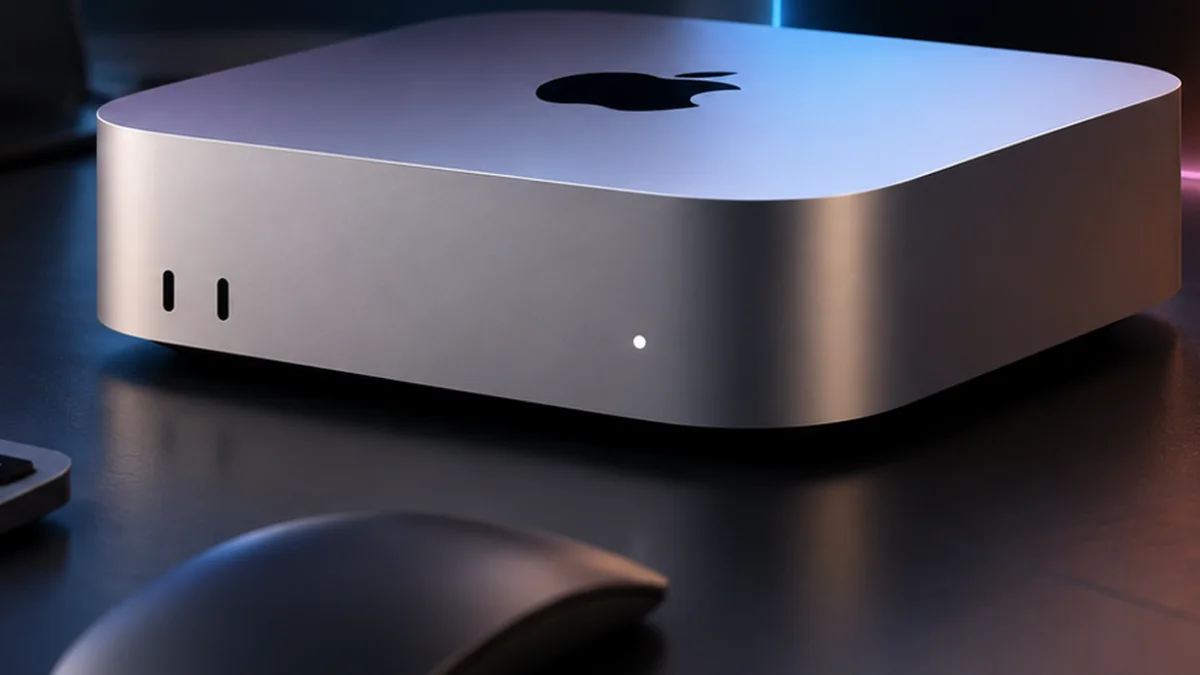
The front of the machine includes two USB-C ports supporting USB 3 alongside a headphone jack with high-impedance headphone support. On the back, the M6 model provides three Thunderbolt 4 ports, HDMI and Ethernet, giving users plenty of flexibility for displays, external drives and other peripherals.
The M5 Pro version goes further with three Thunderbolt 5 ports. Apple specifically highlights Thunderbolt 5 as useful for connecting multiple Mac mini systems together when running very large AI models locally, which shows how strongly the company is positioning the higher-end model towards professional and AI workloads.
The Compact Mac mini Design Remains
Apple has focused this generation’s biggest changes on internal hardware rather than completely redesigning the computer. The Mac mini remains Apple’s ultracompact desktop, making it attractive for small desks, home offices, studios and setups where users already own a monitor, keyboard and mouse.
That is an important buying consideration because the £899 price covers the computer itself rather than a complete desktop setup with a display and input devices. Someone switching from a laptop without existing peripherals should include the cost of a monitor, keyboard and mouse or trackpad when calculating the true price of moving to a Mac mini.
Existing desktop users may have the opposite experience. If you already own a suitable display and peripherals, the small footprint allows the Mac mini to deliver substantial computing performance without paying for an integrated screen.
M6 Mac mini vs M5 Pro Mac mini
The choice between M6 and M5 Pro depends more on workload than on which chip has the newer number. The M6 is Apple’s newest-generation silicon and brings significant AI and efficiency improvements, while M5 Pro provides substantially more CPU and GPU resources for demanding professional applications.
Apple offers M5 Pro with up to an 18-core CPU and 20-core GPU, making it better suited to intensive video production, game development, 3D work and other heavily multithreaded professional tasks. It also receives Thunderbolt 5 rather than the M6 model’s Thunderbolt 4.
The price difference is substantial, though. With M6 starting at £899 and M5 Pro at £1,699, ordinary home users, students, office workers and many creators should examine whether their software can actually use the extra M5 Pro performance before spending another £800 at the entry level.
What About the M4 Mac mini?
Existing M4 Mac mini owners have a particularly difficult upgrade decision because the previous machine is already capable. Apple’s own comparisons show substantial M6 improvements in selected CPU, graphics, storage and AI workloads, but those gains will not translate equally into every everyday task.
Someone primarily using an M4 Mac mini for Safari, email, office work, streaming and light photo editing may have little reason to replace it immediately. The M6 becomes more compelling for people whose current workloads regularly push the M4, particularly those running local AI models, graphics-heavy applications or other demanding software.
Buyers coming from much older Intel or early Apple silicon Macs face a different calculation. Improvements accumulated across several generations can make the new Mac mini feel substantially more significant than it does to somebody who bought an M4 model recently.
macOS 27 and Apple Intelligence Are Part of the Story
The new Mac mini is designed around macOS 27 and Apple’s next generation of Apple Intelligence. Apple highlights Siri AI, personal-context understanding, Visual Intelligence, smarter Shortcuts, advanced photo editing and additional intelligence across apps as part of the wider experience.
Siri AI can use personal context from information such as messages, emails and photos, while Apple says users can also ask questions about content displayed on their Mac. Apple has integrated the assistant into Spotlight and system-wide context menus, making AI features more deeply connected to the desktop experience.
Feature availability can still depend on language and region, so buyers should not assume every Apple Intelligence capability works everywhere from day one. Readers can follow Mobile Verse Apple updates as Apple expands macOS 27 and its AI features after launch.
Who Should Consider Buying the M6 Mac mini?
The M6 Mac mini makes the most sense for someone who wants strong desktop performance without buying an all-in-one iMac or a more expensive Mac Studio. Its compact design also works well for people who already own a monitor and peripherals and simply need a powerful computer to add to an existing desk.
Students, developers, home-office users and creators could all find the standard M6 attractive, while AI enthusiasts have an additional reason to consider it because of the redesigned Neural Engine and GPU Neural Accelerators. Buyers moving from older Intel Macs or early M-series machines are also likely to encounter a larger generational improvement than recent M4 owners.
Professional users should compare their workloads with the M5 Pro version before ordering. If video production, large code projects, 3D rendering or other demanding work regularly consumes all available CPU and GPU resources, paying more for M5 Pro could make more sense than heavily configuring the standard M6.
Who Probably Does Not Need to Upgrade?
Recent M4 Mac mini owners should think carefully before replacing their machines. M6 brings measurable improvements, particularly for AI and graphics workloads, but an M4 remains more than capable for many everyday computing tasks. Apple’s strongest benchmark claims apply to specific tests rather than every action users perform.
People whose current Mac already handles their workload comfortably may gain more value by keeping it for another generation. That is particularly true if upgrading would also require buying more memory, storage or other accessories and significantly increase the final cost beyond £899.
The new machine is therefore easier to recommend as an option for someone already planning to buy a Mac than as an automatic replacement for every recent Mac mini.
What Buyers Should Check Before Ordering
Start with memory and storage rather than choosing solely on processor performance. A 16GB/256GB configuration can suit ordinary use, but users planning to work with large files, professional creative software or local AI models should estimate their requirements carefully before purchasing.
Next, consider the complete setup cost. The Mac mini does not include a display, so new Mac desktop users may need to budget for a monitor, keyboard and mouse. Existing desktop owners who already have compatible peripherals can avoid much of that additional expense. Finally, compare M6 with both the M5 Pro model and any discounted previous-generation machines available through retailers. The newest processor is not automatically the best-value choice for every workload, particularly if a substantially cheaper previous-generation model already exceeds your performance requirements.
Is the M6 Mac mini Worth Buying?
The M6 Mac mini brings meaningful hardware changes rather than relying on a simple annual processor refresh. Apple’s first 2nm Mac chip, 12-core CPU and GPU, upgraded Neural Engine, higher memory bandwidth, Wi-Fi 7, Bluetooth 6 and 2.5Gb Ethernet make this a substantially more capable compact desktop on paper.
Whether those improvements justify £899 depends on where you are upgrading from. Buyers using older Intel Macs or early M-series systems have more reasons to consider the new model, while M4 owners should look closely at whether their real workloads need the additional performance.

The AI improvements could also become increasingly important over the lifetime of the machine. Apple and third-party developers are pushing more models and agentic tasks onto local hardware, and M6 has clearly been designed with that shift in mind.
Final Thoughts
The M6 Mac mini arrives on 22 September with a combination of faster traditional computing and a much stronger focus on local AI. Its 12-core CPU, 12-core GPU, Dual 16-core Neural Engine and up to 170GB/s of memory bandwidth represent meaningful internal improvements while Apple keeps the compact Mac mini concept intact.
The £899 UK starting price deserves careful consideration, particularly once buyers begin adding extra unified memory or storage. M4 owners may not need to rush into another upgrade, while users coming from much older Macs have a stronger reason to examine what M6 offers.
Tomorrow’s retail availability should also provide a clearer picture as more customers begin using the machine outside Apple’s controlled benchmark environment. Mobile Verse Mac coverage will continue following the M6 generation, macOS 27 and Apple’s growing focus on on-device AI as real-world testing becomes available.
Frequently Asked Questions
When is the M6 Mac mini available?
Apple says the M6 Mac mini becomes available on 22 September 2026. Pre-orders opened on 25 August, and the machine will begin reaching customers alongside availability through Apple Stores and authorised resellers.
How much does the M6 Mac mini cost in the UK?
The M6 Mac mini starts at £899 in the UK, while Apple’s education pricing starts at £799. The final price increases if buyers select additional memory, storage or other configure-to-order options.
How much RAM does the M6 Mac mini have?
The standard M6 Mac mini includes 16GB of unified memory. Apple offers configurations with more memory, with the M6 model supporting up to 32GB and up to 170GB/s of unified memory bandwidth.
Is the M6 Mac mini faster than the M4 Mac mini?
Yes, according to Apple’s testing. Apple claims up to 40% faster CPU performance, twice the graphics and storage performance and up to four times the AI performance in specified comparisons with the M4 Mac mini. Actual improvements will vary depending on the application and workload.
Does the M6 Mac mini support Wi-Fi 7?
Yes. Apple has upgraded the new Mac mini with Wi-Fi 7 and Bluetooth 6. It also includes 2.5Gb Ethernet as standard, with 10Gb Ethernet available as an option.
Does the M6 Mac mini have Thunderbolt 5?
No. The standard M6 Mac mini uses three Thunderbolt 4 ports on the rear. Apple reserves three Thunderbolt 5 ports for the more powerful M5 Pro Mac mini.
Should M4 Mac mini owners upgrade to M6?
That depends on workload. Apple’s tests show significant improvements in AI, graphics and some CPU tasks, but users who mainly browse the web, work with documents and perform light creative tasks may find their M4 Mac mini remains fast enough. Buyers running demanding local AI or graphics workloads have more reason to consider the M6.
Should I buy the M6 or M5 Pro Mac mini?
The M6 model is likely to cover a broader range of home, education, development and creative workloads, while M5 Pro provides more CPU and GPU resources for demanding professional work. The UK starting prices are £899 for M6 and £1,699 for M5 Pro, so buyers should consider whether their applications genuinely need the extra performance.