
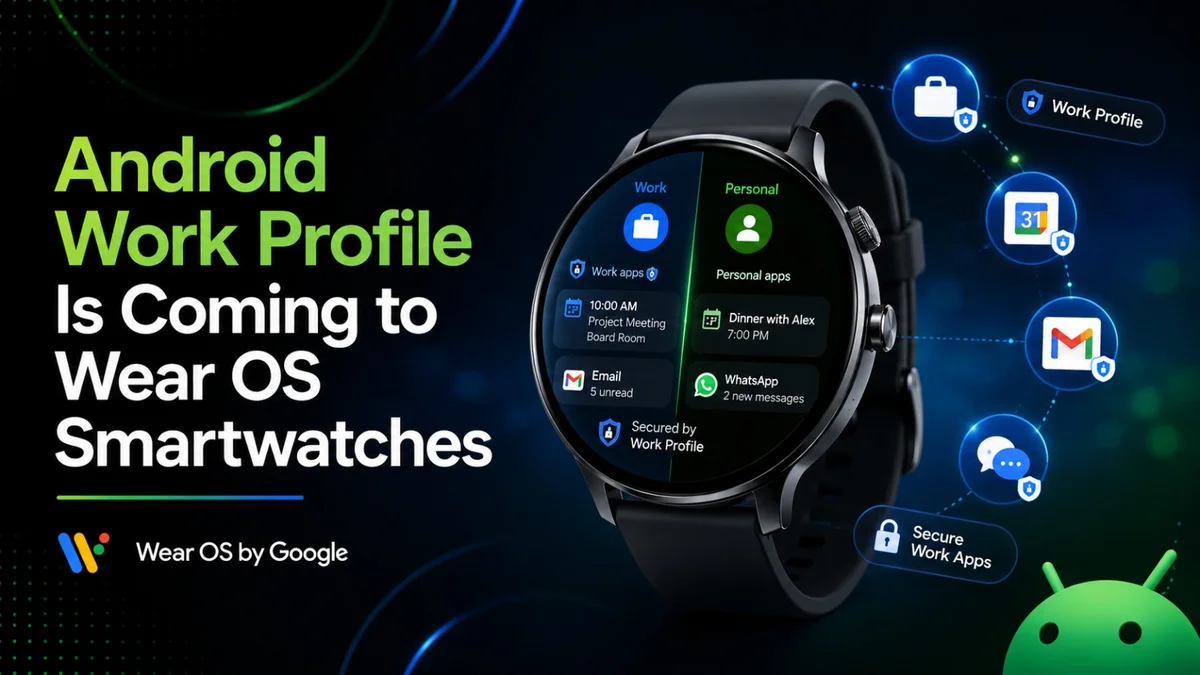
Android Work Profile Is Coming to Wear OS Smartwatches
 By Inflix
 Android work profile support is finally coming to Wear OS smartwatches, and this could make Android watches more useful for office users.
Google is rolling out a new Google Play Services update that allows users to transfer Android work profile accounts to Wear OS watches. This means work accounts, secure notifications, calendar details, and company-managed credentials could work more smoothly on supported smartwatches.
According to Android Authority, Google Play Services version 26.26 adds the ability to transfer Android work profile accounts directly to Wear OS smartwatches. The report says this can help users sync corporate credentials, work calendars, and secure notifications without using complicated workarounds.
That is a useful change because many people use one Android phone for both personal and work life. Now, Wear OS watches may finally handle that separation better.
Android Work Profile on Wear OS: What Is New?
Android work profile support on Wear OS means your smartwatch may soon understand your work account more clearly.
Until now, many users had trouble getting work app alerts, corporate calendar notifications, and managed account features on their smartwatches. Some notifications worked, while others depended on phone settings, company policies, or app behavior.
However, Google Play Services v26.26 changes that by bringing work profile account transfer to Wear OS. This should make work-related smartwatch setup cleaner and more reliable.
As a result, Wear OS watches could become more practical for people who use Microsoft Teams, Outlook, Gmail, Google Calendar, Slack, or other work apps through a managed Android profile.
What is an Android Work Profile?
Android work profile is a feature that separates work apps and personal apps on the same Android device.
Google explains that a work profile lets people use one device for both work and personal use, while the organisation manages work apps and work data separately. Personal apps, personal data, and personal usage remain private from the employer.
In simple words, your phone can have two sides:
| Profile Type | What It Does |
|---|---|
| Personal profile | Your personal apps, photos, messages, and private data |
| Work profile | Company apps, work email, managed calendar, and business data |
This setup is common for people who use their own phone for work. Therefore, bringing this system to Wear OS watches makes sense.
Why Wear OS Needed Work Profile Support
Wear OS watches are becoming more powerful.
People use them for calls, messages, emails, calendars, reminders, payments, maps, health tracking, and quick replies. However, work apps have not always been easy to manage on smartwatches because companies need security controls.
That created a problem. Users wanted work notifications on the wrist, but businesses needed data protection. Android work profile support can help solve both sides.
For example, a user may want a Teams meeting reminder on their watch. At the same time, the company may want to keep work data managed and separate from personal apps. With better work profile transfer, Wear OS can support this more cleanly.

Which Wear OS Watches Could Benefit?
Google has not listed every compatible smartwatch for this specific feature yet. However, the update is part of Google Play Services and Wear OS account support, so newer Wear OS watches should benefit once the update reaches them.
Possible devices that may benefit include:
| Watch Brand | Possible Models |
|---|---|
| Samsung | Galaxy Watch 4 and newer models |
| Pixel Watch models | |
| OnePlus | OnePlus Watch models running Wear OS |
| Mobvoi | TicWatch models with newer Wear OS support |
| Xiaomi | Wear OS-based Xiaomi watches |
Final support may depend on device version, Wear OS version, company policy, and app support.
Google Play Services v26.26 Makes the Change
This feature is arriving through Google Play Services v26.26.
That is important because Google Play Services updates often roll out separately from full Android system updates. So, some users may get this change without waiting for a major Wear OS version upgrade.
Android Authority says Google has released its first major batch of July 2026 system updates, and the Wear OS work profile transfer is one of the key changes in Play Services v26.26.
The rollout may happen in stages. Therefore, some users may receive the feature earlier than others.
How This Helps Office Users
This update could make smartwatches much better for office users.
A work profile on Wear OS can help users see work alerts without mixing them completely with personal notifications. It may also make it easier to handle corporate calendars, managed accounts and secure notifications from the wrist.
For example, users may benefit from:
Work calendar alerts
Meeting reminders
Secure email notifications
Managed account syncing
Work app alerts
Better separation from personal data
Less manual setup
This is especially useful for people who work in hybrid offices, travel often or need quick meeting alerts during the day.
Android Work Profile vs Normal Notifications
Normal notifications can already appear on Wear OS watches. However, work profile support is different.
Normal notifications simply mirror alerts from your phone. Work profile support can bring deeper account handling, clearer separation and better managed access.
| Feature | Normal Notifications | Android Work Profile on Wear OS |
|---|---|---|
| Basic alerts | Yes | Yes |
| Work account transfer | Limited | Improved |
| Company-managed data | Less clear | Better controlled |
| Work/personal separation | Basic | Stronger |
| Corporate calendar support | May vary | Expected to improve |
| Setup experience | Can be messy | Should become cleaner |
This is why the update matters. It is not only about getting more notifications. It is about handling work data properly.
Privacy Still Matters
Android work profile is designed to protect both employees and companies.
Google says the work profile keeps work and personal data separate, while the organisation manages work data and personal data remains private.
That separation is important on a smartwatch because watches are always visible. A work message, meeting title or email preview can appear on the wrist in public. Therefore, users should still check notification settings carefully.
If you use a smartwatch at work, you may want to hide sensitive notification previews and keep the watch locked when not wearing it.
Wear OS 7 Could Make This More Useful
This work profile update is arriving while Wear OS is also moving forward.
Google recently introduced Wear OS 7, which focuses on better power efficiency and smarter watch experiences. Google’s developer blog says Wear OS 7 brings a new era of power efficiency and intelligence for users and developers.
That matters because work features need good battery life. If a watch shows work alerts, calendar reminders and app notifications all day, battery life becomes more important.
Therefore, work profile support and Wear OS improvements could work together to make Android smartwatches more useful for daily work.
What Users Should Check
If you want to use Android work profile on a Wear OS watch, check a few things first.
Make sure your phone has Google Play Services updated. Then check that your watch runs a supported Wear OS version. Also, your company or IT admin may need to allow work account access on companion devices.
You should also check:
Work profile status on your phone
Wear OS app settings
Watch notification settings
Company Portal or device management app
Google Play Services version
Calendar and email permissions
Watch lock settings
If your company uses Microsoft Intune, Microsoft explains that work profile setup allows users to access work email, apps, Wi-Fi and other work resources on personal Android devices.
Could IT Admins Control This?
Yes, company policy may affect this feature.
Even if Google adds work profile support to Wear OS, your employer may control what can sync to the watch. Some companies may allow calendar notifications but block email previews. Others may block smartwatch access completely for security reasons.
This is normal because work profiles exist to protect business data. So, if the feature does not appear for you, the reason may not be your watch. It may be your company’s device management settings.
Internal Wear OS and Android Coverage
You can also read our latest Android and wearable coverage:
Galaxy Watch 4 Display Line Issue
These posts cover smartwatch problems, Android software issues and phone security updates.
Why This Is a Big Step for Wear OS
Wear OS watches have often focused on fitness, health, and quick notifications.
However, work profile support makes them more serious about productivity. A smartwatch can become more useful during meetings, travel, commuting and office hours if work notifications and calendars behave properly.
This could also help Wear OS compete better with the Apple Watch in business use. Many office users want a watch that handles work alerts reliably without mixing everything. Android work profile support gives Google a better answer.
Should You Turn It On?
You should turn it on only if you need work access on your watch.
For some people, work alerts on the wrist are useful. For others, they can become stressful. A watch can make it harder to switch off after work, especially if emails and meeting alerts keep appearing all day.
So, use the feature carefully. Enable only the apps you need, hide sensitive previews and turn off work notifications outside working hours if your phone supports that option.

Final Thoughts
Android work profile support coming to Wear OS smartwatches is a useful upgrade for office users.
With Google Play Services v26.26, users can transfer work profile accounts to Wear OS watches more easily. This should improve corporate calendar alerts, secure notifications, and managed account access on supported smartwatches.
However, company policy will still matter. Some users may get the feature quickly, while others may need IT approval or device management changes. Still, this is a strong step forward for Wear OS because it makes Android watches better for real work use, not just fitness and casual notifications.
FAQs
What is an Android work profile on Wear OS?
Android work profile on Wear OS allows users to transfer work profile accounts from an Android phone to a supported smartwatch for better work notifications and account handling.
Which update brings work profile support to Wear OS?
Google Play Services version 26.26 adds the ability to transfer Android work profile accounts to Wear OS smartwatches.
Will all Wear OS watches get this feature?
Google has not confirmed every supported model yet. Support may depend on Wear OS version, Google Play Services rollout, device brand and company policy.
Can my employer control work notifications on my watch?
Yes, your employer or IT admin may control whether work apps, calendars and notifications can sync to your smartwatch.
Is the Android work profile private?
Yes, an Android work profile separates work apps and data from personal apps and data. Google says personal data remains private while the organisation manages work data.
Should I enable work notifications on my smartwatch?
Enable them only if they help you. Work alerts on the wrist can be useful, but they can also make it harder to disconnect after work.


