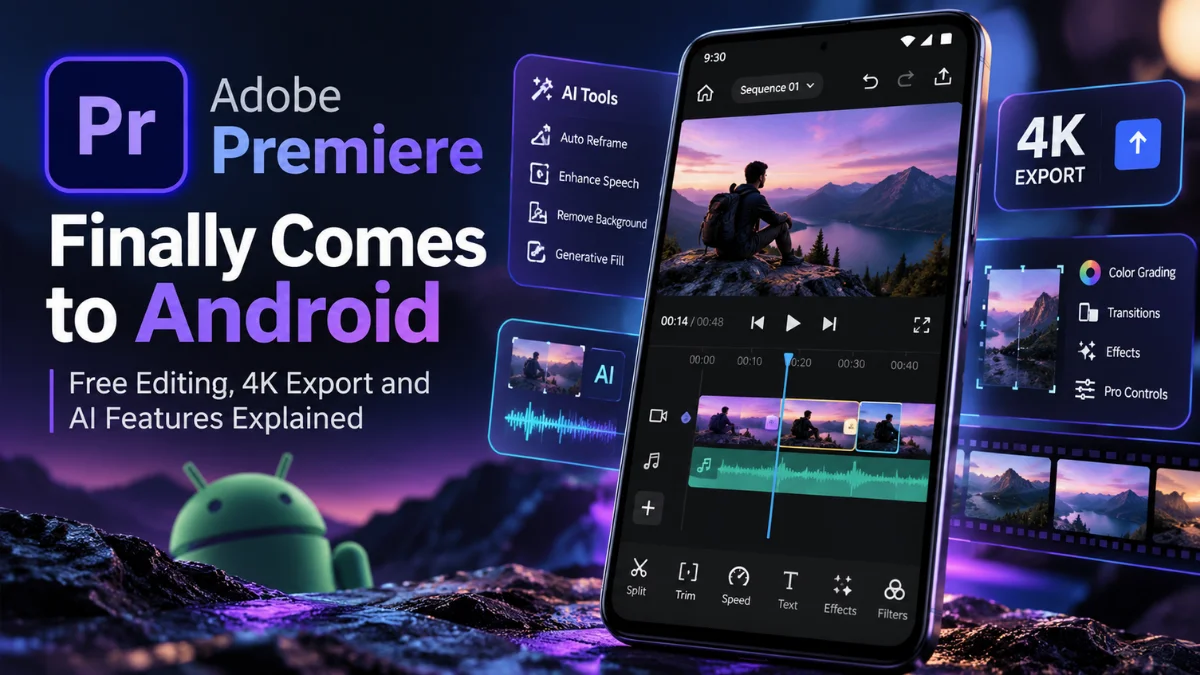
Adobe Premiere Finally Comes to Android: Free Editing, 4K Export and AI Features Explained
 By Inflix
 Adobe has finally given Android creators something they have waited years for: a proper Premiere mobile editor that does not start by demanding a subscription. Better still, Adobe is offering multitrack editing, watermark-free exports up to 4K and several AI-powered creative tools from day one.
The Adobe Premiere Android app officially became available on 22 September 2026 through Google Play. Adobe describes it as Premiere mobile, a touch-focused video editor built natively for Android rather than a mobile version of the full Premiere Pro desktop interface. Core editing is free, while additional cloud storage and Firefly generative AI credits are where extra costs can enter the picture.
For creators following Mobile Verse Android coverage, the launch matters because Android already has plenty of mobile video editors, but Adobe is now bringing the Premiere name, a proper multitrack workflow and its growing Firefly ecosystem directly to phones and tablets.
Quick Answer
Adobe Premiere for Android is a free mobile video editor released on 22 September 2026. It supports a multitrack timeline, frame-accurate editing, effects, transitions, audio tools and editing and export up to 4K without forced watermarks. It requires Android 13 or later and at least 5GB of RAM, while Firefly generative AI uses generative credits.
Adobe Premiere Finally Arrives on Android
Adobe officially announced Premiere mobile for Android on 22 September 2026, following the iPhone version that debuted the previous year. The company says the Android app is available through Google Play and was built around feedback from creators using Premiere on mobile.
The naming needs some clarification. Adobe’s official Android listing is simply called “Adobe Premiere”, while the company frequently uses “Premiere mobile” and “Premiere on Android” in its documentation. It should not be confused with Premiere Pro desktop, even though both products share Adobe’s video-editing heritage.
The Google Play listing describes the Android release as a mobile video editor built natively for Android creators. It offers frame-accurate editing, speed controls, multiple tracks, text, audio, filters and sound effects while allowing media to be imported from the device or supported cloud-storage providers.
Interestingly, Google’s current listing still uses “Early Access” wording even though Adobe’s 22 September announcement says Premiere mobile is now available on Android. That suggests Adobe is treating the current Android build as an active, evolving release rather than pretending every planned feature is already finished.
For readers following the latest technology news on Mobile Verse, that distinction is worth remembering as Adobe rolls out more Android capabilities over the coming months.
Is Adobe Premiere for Android Really Free?
Yes. Unlike many creative applications that use “free” to mean a short trial or heavily restricted tier, Adobe says the essential Premiere Android editing tools are available for free.
Users do not need an Adobe account simply to start editing. Adobe’s current FAQ says Android users can edit, save projects locally and export videos without signing in. The company also says the mobile experience contains no forced adverts or watermarks.
An Adobe account becomes necessary for certain connected features. For example, users need to sign in to access free Adobe Stock music and to use generative AI features or purchase and use Firefly generative credits.
Adobe says users only need to pay when they require more storage or additional generative AI credits. Therefore, someone who simply wants to edit clips, work with multiple tracks and export a finished video does not need to buy a Premiere Pro subscription.
| Feature | Current Android Access |
|---|---|
| App download | Free |
| Core video editing | Free |
| Multitrack timeline | Free |
| Up-to-4K editing/export | Free |
| Forced watermark | No |
| Forced adverts | No |
| Adobe login for basic editing | No |
| Adobe Stock music | Sign-in required |
| Firefly generative AI | Generative credits apply |
| Additional cloud storage | Paid upgrades available |
This distinction is important when searching for an Adobe Premiere free Android editor. Premiere mobile is genuinely usable without a paid Premiere Pro subscription, but that does not mean every cloud or generative feature is unlimited.
Adobe Premiere Android Features: What Can You Do?
Premiere Android is considerably more capable than a simple trim-and-share application. Adobe has designed it around a multitrack timeline, allowing creators to layer video, music, voiceovers, text and effects while keeping individual elements manageable.
Frame-accurate editing gives users finer control over where a cut happens. The Google Play listing also confirms tools for trimming, splitting, cropping and merging clips, along with controls for speeding up, slowing down, reversing or freezing video.
Among the confirmed capabilities are:
- Multitrack video, music, text, voiceover and effects editing
- Frame-accurate trimming and splitting
- Speed adjustments and freeze effects
- Effects and transitions
- Text and titles
- Audio editing and voiceovers
- Enhance Audio for clearer speech
- Creator-made templates
- Adobe Stock music and creative assets
- Media importing from the device or supported cloud storage
- Editing and exporting video up to 4K
Adobe is also being clear about what is still coming. Its launch announcement lists Adobe Fonts, enhanced captions, keyframes, cropping, beat detection and continued editing on Premiere desktop among capabilities planned for later.
That means users should be careful with articles or videos claiming that every feature found in Premiere on iPhone or desktop is already available on Android. The Android app has a strong foundation, but Adobe is still building it out. Adobe’s updated Help documentation does confirm that text can be added directly to the timeline and edited as its own clip. Creators interested in new apps and mobile software can find similar coverage through Mobile Verse Gadgets & Reviews.
Does Adobe Premiere Android Support 4K Export?
Yes. Adobe explicitly confirms that Premiere mobile for Android can edit and export video at up to 4K resolution.
That is an important part of the launch because 4K recording is now common across mid-range and flagship Android phones. Creators can therefore keep a high-resolution workflow rather than automatically dropping projects to 1080p simply because they are editing on a mobile device. Adobe also says the app provides a watermark-free experience. In other words, exporting a free project does not automatically stamp Adobe branding across the finished video.
However, “supports 4K” should not be interpreted as “every Android device will edit every 4K project smoothly”. Adobe’s minimum requirement is Android 13 and at least 5GB of RAM, but 4K editing can place much heavier demands on a processor, memory, storage and thermal system than a basic 1080p social video. Adobe’s current Android launch information confirms a maximum resolution of up to 4K but does not specify one universal maximum 4K export frame rate that applies to every compatible Android device. Therefore, claims such as “4K 60fps export on all supported phones” would go beyond what Adobe has officially confirmed.
Storage is another practical consideration. Several 4K clips, audio files, generated assets and a final high-resolution export can consume significant space, so creators planning larger projects should check their available device storage before starting.
Adobe Premiere AI Features Explained
Adobe’s AI strategy on Android goes beyond adding a generic “AI editor” label. Premiere mobile combines conventional AI-assisted editing with generative tools powered by Adobe Firefly. Enhance Audio is one of the more practical examples. Adobe says the tool can reduce distracting background noise and improve the clarity of interviews, voiceovers and other speech recordings. That could be particularly useful for vloggers and mobile journalists recording outside a controlled studio.
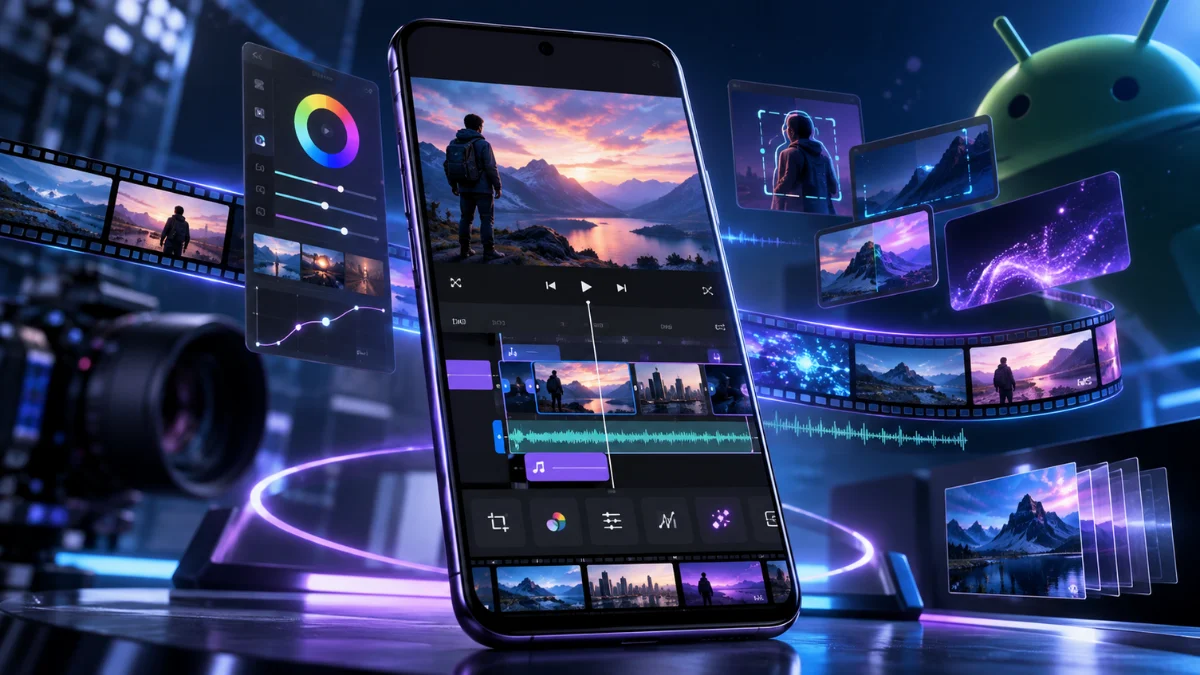
Generative AI goes further. Adobe’s Android announcement specifically names Firefly-powered Generative Fill, Image-to-Video and Generate Sound Effects as generative capabilities available through Premiere mobile. These tools are designed to help creators produce or modify assets without leaving the editing workflow. These generative features are not simply unlimited extensions of the free editor. Adobe says Firefly generative AI requires generative credits, while its FAQ states that users pay when they need additional generative credits or storage. An Adobe account is also required to access the generative features.
Some AI and cloud functionality also requires an internet connection. Adobe lists Wi-Fi or mobile data with at least 4G connectivity, while recommending 5G, for generative AI, creative asset libraries and other cloud-based functions. That means Premiere Android should not be described as an entirely on-device AI video editor. Core editing can happen locally, but Firefly and other connected resources rely on Adobe’s cloud services.
Readers following Mobile Verse AI coverage will recognise a wider trend here: generative AI is increasingly moving directly into creative workflows rather than existing as a separate chatbot or image generator.
Adobe Premiere Android vs Premiere Pro
Premiere mobile and Premiere Pro share a name and some editing concepts, but they serve different purposes. The Android application prioritises touch controls, speed and mobile content creation, while Premiere desktop remains Adobe’s more advanced professional editing environment.
| Feature | Premiere Android | Premiere Desktop |
|---|---|---|
| Core price | Free | Paid plans/subscription options |
| Platform | Android phones/tablets | Desktop |
| Multitrack editing | Yes | Yes |
| Up-to-4K export | Yes | Yes, with broader professional workflows |
| Firefly/AI tools | Yes, credits apply to generative tools | Yes, depending on feature/plan |
| Advanced editing | Mobile-focused | Extensive professional tools |
| Professional plugin workflows | Not equivalent to desktop | Supported |
| Touch-first interface | Yes | No |
| Mobility | Designed for mobile use | Desktop-focused |
| Best suited to | Mobile/social creation | Advanced and professional production |
Premiere Android can handle serious mobile projects, but Adobe is not claiming that it reproduces every desktop feature. Advanced professional workflows, deeper media management and the wider desktop production ecosystem remain reasons to use Premiere on a computer.
Another current limitation is project continuation. Adobe says the ability to continue Android projects on Premiere desktop is “coming soon”, meaning users should not assume seamless Android-to-desktop continuation is fully available at launch. That distinction makes the new app easier to understand. Adobe Premiere mobile editing is designed to give creators more control on a phone, not to squeeze the complete desktop Premiere interface onto a small touchscreen.
Which Android Phones Can Run Adobe Premiere?
Adobe has published minimum requirements rather than a long model-by-model compatibility list.
Premiere requires an Android phone or tablet running Android 13 or later with at least 5GB of RAM. Adobe’s current technical documentation also says phones use the application in portrait orientation, while Android tablets can work in both portrait and landscape orientations. Adobe does not currently provide an exhaustive public list covering every compatible Samsung Galaxy, Google Pixel, Motorola, OnePlus, Xiaomi or other Android model. Therefore, it would be misleading to create a supposedly definitive supported-phone list.
The easiest compatibility check is the official Google Play listing. Users can open the Premiere page from their Android phone or tablet to see whether Google Play allows installation on that device. Minimum compatibility and good performance are also different things. A device with exactly 5GB of RAM may meet Adobe’s requirement, but demanding multitrack 4K editing should benefit from faster processors, more memory and quicker storage.
For more smartphone software and compatibility coverage, readers can explore Mobile Verse Android news as Adobe expands support and updates Premiere mobile.
What Happened to Adobe Premiere Rush?
Premiere Android also represents a major change from Adobe’s previous mobile video strategy.
Premiere Rush was Adobe’s earlier lightweight cross-device editor. Adobe stopped making Rush available to new users through Adobe.com and mobile app stores on 30 September 2025, while existing installations could continue operating during the transition period. Adobe says Premiere Rush reaches the end of technical support on 30 September 2026. The company has described its newer Premiere experiences as the next generation of its mobile editing approach and says lessons learned from Rush informed the new products.
This makes the timing of the Android launch particularly relevant. Premiere mobile arrives just days before Rush reaches that final support milestone, giving Android creators Adobe’s newer editing platform rather than leaving them dependent on an ageing Rush installation. The new Premiere app also changes the account model. Rush required an Adobe ID, whereas Adobe says basic editing, local saving and exporting in the new Android Premiere app can begin without an Adobe login.
Adobe Premiere vs Other Android Video Editors
Adobe enters an Android market that already contains established editors. CapCut, Filmora and several other applications have built large audiences around quick social-video creation, templates, effects and AI-assisted tools. Premiere’s approach is slightly different. Adobe is combining a familiar multitrack editing workflow with its existing creative ecosystem, Stock assets, audio tools and Firefly. That may be especially appealing to creators who already use Adobe software elsewhere.
The absence of forced watermarks and adverts also makes the free tier noteworthy. At the same time, competing apps may offer different template libraries, social features or automated tools that better suit particular creators.
It is therefore too simplistic to declare Premiere the new “best video editor for Android” based solely on its launch specifications. The more meaningful development is that Android users now have another professional-style mobile editing option from one of the biggest names in creative software.
Who Should Try Adobe Premiere for Android?
Premiere Android makes the most sense for people who want more editing control than a simple trim-and-post app provides without immediately moving every project to a laptop.
YouTube creators can layer footage, music, text and voiceovers on separate tracks. TikTok and Instagram creators can work with templates, effects and transitions, while mobile journalists may find frame-accurate editing and Enhance Audio particularly useful when producing content away from a desk.
Existing Adobe users are another obvious audience. Firefly, Adobe Stock and Adobe’s wider creative ecosystem give the app connections that standalone editors may not offer, although some of those connected features require sign-in or generative credits.
Users with older or less powerful Android phones should be more cautious about expecting desktop-like performance, particularly with long 4K projects. Meeting Adobe’s minimum requirements establishes compatibility, not guaranteed performance for every complex workload.
Final Thoughts
Adobe Premiere Android fills an obvious gap in Adobe’s creative lineup. Android creators now have an official Premiere application with a proper multitrack timeline, frame-accurate editing, effects, audio tools and free editing and export up to 4K.
The free model is also more useful than the word “free” sometimes suggests. Adobe does not require an account for basic editing, local project saving or exporting, and it does not force adverts or watermarks into the experience. Extra costs mainly relate to additional storage and Firefly generative credits.

There are still reasons to temper expectations. Some Android features remain on Adobe’s “coming soon” list, the mobile app does not replace the full professional capabilities of Premiere desktop, and demanding 4K editing will inevitably work better on stronger hardware.
Even so, Premiere’s arrival gives Android creators a significant new option at exactly the time Adobe is winding down Premiere Rush. Follow the latest updates from Mobile Verse as Adobe adds features such as enhanced captions, keyframes and Android-to-desktop project continuation.
Frequently Asked Questions
Is Adobe Premiere available on Android?
Yes. Adobe officially announced Premiere mobile’s Android availability on 22 September 2026. The app is available through Google Play for compatible Android phones and tablets.
Is Adobe Premiere Android free?
Yes. Adobe says the essential editing tools are free, with no forced adverts or watermarks. Users mainly pay if they need additional storage or Firefly generative AI credits.
Can Adobe Premiere export 4K on Android?
Yes. Adobe officially confirms editing and exporting video at up to 4K. However, Adobe has not published one universal maximum 4K frame rate that applies across every compatible Android device.
Which Android phones support Adobe Premiere?
Adobe requires Android 13 or later and at least 5GB of RAM. It has not published a complete model-by-model compatibility list, so users should check the official Google Play listing from their device.
Does Adobe Premiere Android have AI features?
Yes. Adobe confirms Enhance Audio plus Firefly-powered features including Generative Fill, Image-to-Video and Generate Sound Effects. Generative AI features require an Adobe account and Firefly generative credits.
Is Adobe Premiere Android the same as Premiere Pro?
No. Premiere Android is a touch-focused mobile editor with a multitrack timeline and up-to-4K export. Premiere desktop provides a broader professional production environment, and Adobe says Android-to-desktop continued editing is still coming soon.